
Stop Wasting Time in Traffic: Tesla Online Routing Trick
Jan 19, 2026

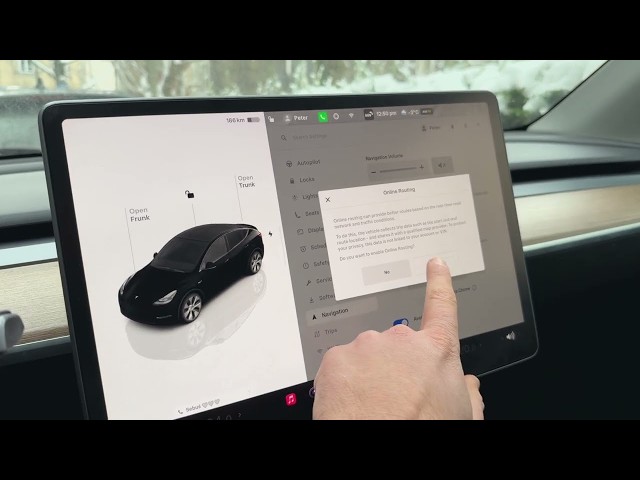
Learn how to enable and use Online Routing on your Tesla to get better routes based on live traffic. In this short, clear video you'll see where to find the Online Routing option in Tesla navigation, how to enable or disable it, what trip data is shared and how Tesla protects your privacy, how to change the minimum reroute time (2, 5 or 10 minutes) and how to turn on speed camera chimes. This applies to Tesla vehicles including Model 3, Model Y, Model S and Model X and helps you save time on daily drives by avoiding heavy traffic.
How to enable Online Routing on Tesla vehicles (Model 3, Model Y, Model S, Model X)?
How to change reroute time in Tesla Online Routing?
Does Tesla Online Routing share my VIN or personal data?
0:00 Intro – Why use Online Routing
0:07 Open Settings – Tap the car icon
0:20 Navigation – Find the Navigation menu
0:34 Online Routing – Enable or disable the feature
0:56 Data & Privacy – What trip data is shared
1:19 Reroute Time – Set minimum time to reroute (2/5/10 min)
1:34 Speed Camera Chimes – Enable alerts
1:45 Wrap up – Final tips and subscribe
#Tesla #OnlineRouting #TeslaNavigation #TeslaTips
Find out more:
https://www.hardreset.info/devices/car/car-tesla/
Show More Show Less #Autos & Vehicles
#Science
#Traffic & Route Planners