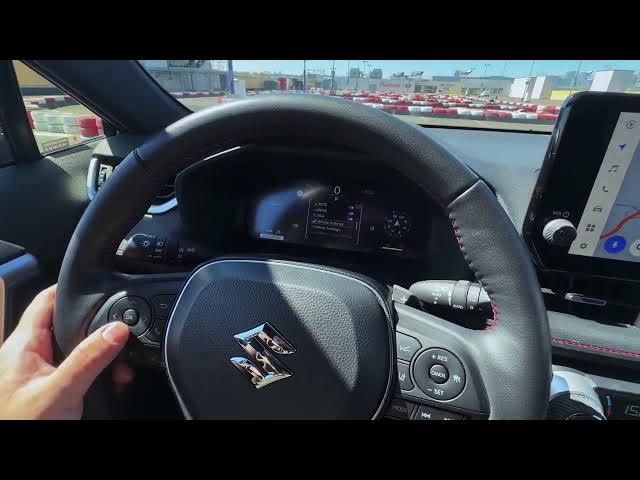

Suzuki Across – Personalize Instrument Cluster & Disable Alerts
May 31, 2026

In this video we show how to personalize the instrument display behind the steering wheel in the Suzuki Across. You will learn how to navigate the steering wheel controls, enter the settings menu, and change display and meter options. We cover adjusting display brightness, selecting meter type and style, and turning off annoying beeps and pop-up alerts from safety systems and phone/navigation. The video also explains LTA sensitivity and alert types, pre-collision settings, parking sensors, rear cross-traffic alert, parking support brake, road sign assistant, tire pressure warning settings, rear seat reminder, and how to disable navigation/telephone/audio/voice pop-ups so your Suzuki Across is customized to your preferences.
How to personalize the Suzuki Across instrument display and meter settings?
How to turn off safety beeps and alerts on Suzuki Across?
How to disable rear seat reminder or parking sensors on Suzuki Across?
0:00 Intro
0:11 Steering wheel controls & navigating the display
0:30 Enter Settings menu
0:49 Display brightness & basic options
0:55 Safety systems: LTA & pre-collision (sensitivity & alerts)
1:31 Parking sensors, rear cross-traffic & parking support
1:46 Vehicle settings: TPMS & rear seat reminder
2:08 Meter settings: meter type, style, EV indicator, drive info
2:52 Disable pop-ups: navigation, phone, audio, voice
3:02 Outro
#SuzukiAcross #InstrumentCluster #CarSettings #DisableAlerts
Find out more:
Show More Show Less #Science