
How to Set Up Triple Monitor Gaming on Alienware Aurora
Jun 2, 2026

In this video we show how to set up triple monitor gaming on the Alienware Aurora 16. You’ll learn how to use the laptop’s main display or run three external monitors only. We cover supported GPUs (GeForce RTX 5060, 5070, 5080), which ports to use (HDMI + two USB-C 3.2 Gen2), using USB-C to HDMI adapters, powering each monitor, switching Windows projection to Extend (Windows+P), and arranging displays in Settings → System → Display. Also learn quick tips for scale, layout and HDR to get the best gaming experience across three screens.
How to set up triple monitors on Alienware Aurora 16?
How to connect three external monitors to Alienware Aurora 16?
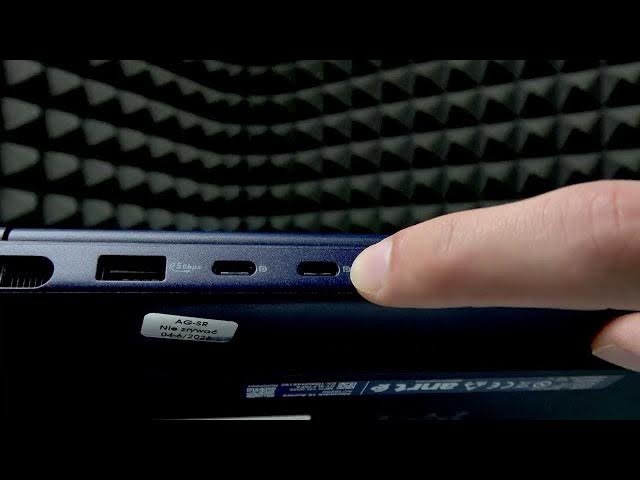
Where are the video ports on Alienware Aurora 16 for multiple monitors?
0:00 Welcome & overview
0:07 Triple monitor options: include or exclude main laptop display
0:20 Supported GPUs: GeForce RTX 5060 / 5070 / 5080
0:32 Ports overview: HDMI + 2x USB-C 3.2 Gen2
0:58 Connecting cables and using USB-C to HDMI adapters
1:21 Power each monitor and set Windows projection to Extend (Windows+P)
1:42 Arrange displays and adjust Scale, Layout, HDR in Settings → System → Display
2:24 Final tips and wrap up
#Alienware #Aurora16 #TripleMonitor #GamingSetup
Find out more:
https://www.hardreset.info/devices/alienware/alienware-aurora/
Show More Show Less #Science