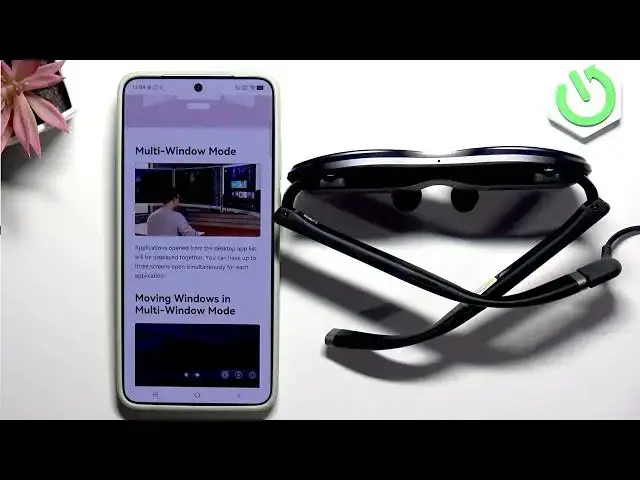

Rokid Max 2 – How to Mirror and Extend Screen
Jun 17, 2026

Learn how to mirror and extend your display on the Rokid Max 2 AR. In this video we walk through the Rokid app screen modes, multi-window and moving windows, how to arrange up to three app windows, and how to switch theater, reading and sports modes. Follow along to set up mirrored display or extended screens for better productivity, multitasking, and media viewing on your Rokid Max 2 AR.
How to mirror the screen on Rokid Max 2 AR?
How to extend the display using Rokid Max 2 AR multi-window?
How to enable theater, reading or sports mode on Rokid Max 2 AR?
0:00 Introduction – what we’ll cover
0:07 Rokid app: where the screen options live
0:17 Screen modes overview: 3D, multi-window, theater
0:26 Entering multi-window mode and moving windows
0:45 Apps layout and opening multiple windows
0:57 Arrange up to 3 screens and window controls
1:20 Enable theater, reading or sports mode
1:29 Outro and final tips
#RokidMax2 #ARmirror #ScreenMirroring #MultiWindow
Find out more:
https://www.hardreset.info/devices/rokid/rokid-max-2-ar/
Show More Show Less #Science