
OnePlus Nord 6 – Fix Face Unlock Not Working
Jun 10, 2026

If Face Unlock stopped working on your OnePlus Nord 6, this short video shows easy fixes you can do right now. You'll learn how to clean the front camera lens, re-register your face in Settings → Security & privacy → Device unlock, set proper lighting and framing while scanning, test the feature, and check for a software update as a last resort. These quick steps resolve most recognition problems and help your OnePlus Nord 6 unlock reliably again.
How to fix Face Unlock not working on OnePlus Nord 6?
How to re-register face on OnePlus Nord 6?
How to update software on OnePlus Nord 6 to fix Face Unlock?
0:00 Intro
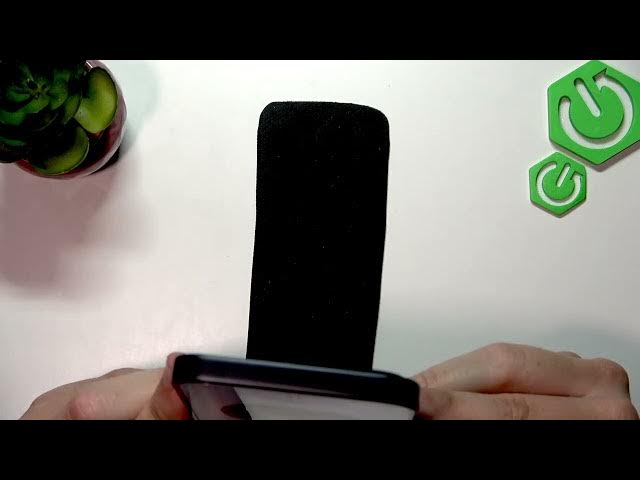
0:09 Clean the front camera lens with a microfiber cloth
0:31 Open Settings → Security & privacy → Device unlock
0:45 Face and fingerprint unlock → Delete old face
0:59 Add face → Start face registration
1:04 Positioning and lighting tips for a successful scan
1:17 Finish setup and enable Face Unlock for screen unlock
1:46 Test Face Unlock to confirm it works
2:03 If still not working: System → Update → Software update
2:21 Wrap up and final tips
#OnePlusNord6 #FaceUnlock #OnePlus #AndroidTips
Find out more:
Show More Show Less #Science