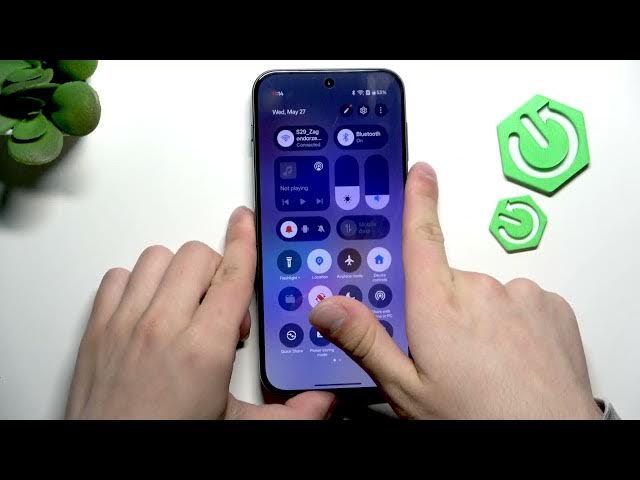

OnePlus Nord 6 – Fix SIM Card Not Detected
Jun 7, 2026

In this short video I show how to fix "SIM card not detected" on the OnePlus Nord 6. You will learn simple, practical steps that fix most SIM detection problems: disable mobile data, eject the SIM tray, clean the SIM with a microfiber, reinsert the card properly, toggle the SIM in settings, cycle airplane mode, and then re-enable mobile data. These quick checks often restore network access without needing a service center. Follow each step and test after reinserting the SIM to see if the phone recognizes the card.
How to fix SIM card not detected on OnePlus Nord 6?
How to remove SIM card from OnePlus Nord 6?
How to enable SIM and mobile data on OnePlus Nord 6?
0:00 Intro – problem overview
0:06 Disable mobile data from Quick Settings
0:21 Eject the SIM tray using the SIM tool
0:32 Clean the SIM with a microfiber cloth
0:48 Reinsert the SIM and wait for installation
0:55 Toggle the SIM in mobile data settings (disable → enable)
1:09 Turn airplane mode on, then off
1:13 Re-enable mobile data and test network
1:16 Wrap up & final check
#OnePlusNord6 #SIMCard #MobileData #PhoneFix
Find out more:
https://www.hardreset.info/devices/oneplus/oneplus-nord-6/
Show More Show Less #Science