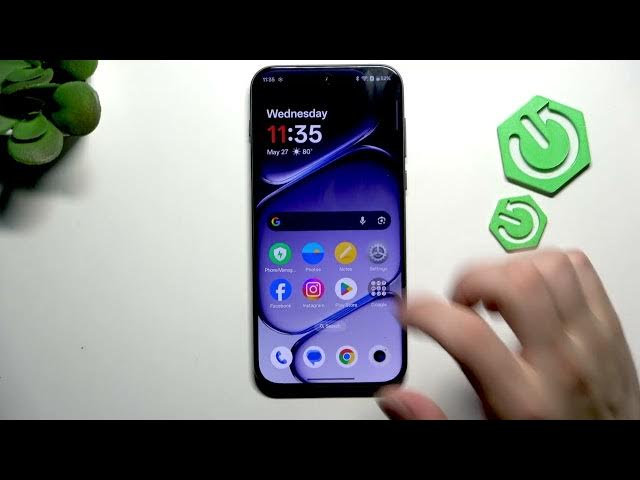

OnePlus Nord 6 – Fix Face Unlock Not Working
May 27, 2026

If Face Unlock stops working on your OnePlus Nord 6 this quick video shows the easiest fixes you can do in under a minute. We'll clean the front camera lens, walk through the exact Settings path (Settings → Security & privacy → Device unlock → Face and fingerprint), ask for your PIN, delete the old face data and register your face again. These steps fix issues caused by dirt on the lens or a bad face registration. Try them first before doing more invasive fixes like factory reset. Good lighting, removing screen protectors, and a quick reboot can also help.
How to fix face unlock not working on OnePlus Nord 6?
How to delete and re-add face data on OnePlus Nord 6?
How to clean the front camera for OnePlus Nord 6 face unlock?
0:00 Intro
0:06 Clean the front camera lens
0:18 Open Settings → Security & privacy
0:29 Go to Device unlock → Face and fingerprint
0:41 Enter PIN, delete face data and add face again
0:48 Wrap up and quick tips
#OnePlusNord6 #FaceUnlock #AndroidTips #HardReset
Find out more:
https://www.hardreset.info/devices/oneplus/oneplus-nord-6/
Follow us on Instagram ► https://www.instagram.com/hardreset.info
Like us on Facebook ► https://www.facebook.com/hardresetinfo/
Show More Show Less #Science