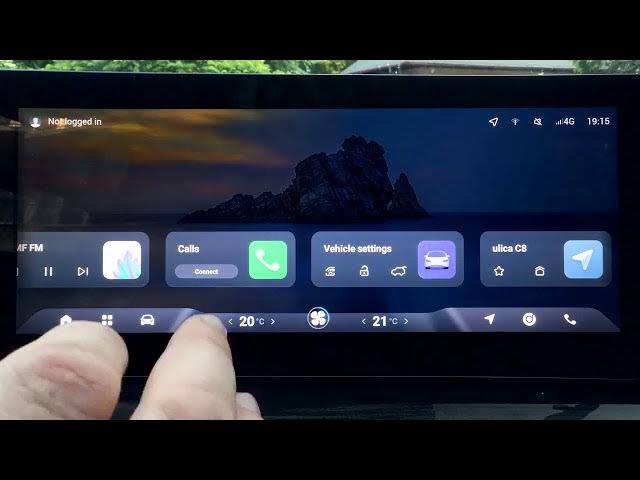

OMODA 5 EV – How to Disable Lane Departure Prevention
Jun 15, 2026

In this short video you will learn how to disable Lane Departure Prevention (LDP) on the OMODA 5 EV using the car's touchscreen and quick settings. We show a simple step-by-step process: open the display, swipe down the status/quick settings, locate the LDP toggle and tap to enable or disable. This walkthrough is ideal for OMODA 5 owners who want to turn off lane intervention temporarily or adjust ADAS behavior quickly and safely.
How to disable Lane Departure Prevention on OMODA 5 EV?
How to turn off LDP on OMODA 5?
Where is the LDP setting in OMODA 5 EV infotainment?
0:00 Intro – what we will do
0:07 Open the screen display and swipe down
0:14 Find LDP (Lane Departure Prevention) in quick settings
0:20 Tap LDP to enable or disable
0:24 Final tips and subscribe
#OMODA5 #OMODA5EV #LaneDeparturePrevention #LDP
Find out more:
https://www.hardreset.info/devices/omoda/omoda-5-ev/
Follow us on Instagram ► https://www.instagram.com/hardreset.info
Like us on Facebook ► https://www.facebook.com/hardresetinfo/
Tweet us on Twitter ► https://twitter.com/HardResetI
Show More Show Less #Science