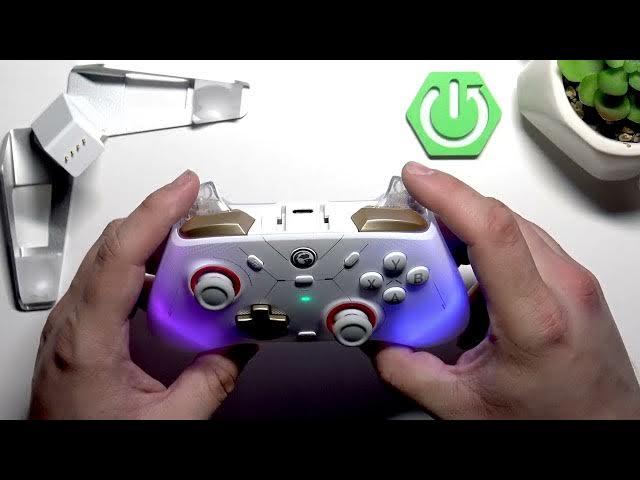

GameSir Cyclone 2 – How to Calibrate Sticks & Triggers
Jun 7, 2026

In this short video I show how to calibrate the sticks and triggers on the GameSir Cyclone 2. Follow simple button presses and precise stick/trigger movements to fix drift, dead zones, or misaligned input. No PC or app required — everything is done using the controller buttons. You will learn how to enter calibration mode, the exact sequence to perform, and how to confirm the calibration so your controller returns to accurate input and better gameplay.
How to calibrate sticks and triggers on GameSir Cyclone 2?
How to fix stick drift on GameSir Cyclone 2?
Where is the calibration mode on GameSir Cyclone 2?
0:00 Intro
0:08 Enter calibration mode — hold View + Menu + Home until Home blinks white
0:29 Preparation — do not touch LT, RT or left/right joysticks
0:40 Press A to start calibration (Home turns off)
0:40–0:56 Press LT and RT to full travel
0:56 Rotate left and right joysticks through full angle 3×
1:01 Press A to confirm calibration
1:08 Wrap up, tips and subscribe
#GameSir #GameSirCyclone2 #ControllerCalibration #Gamepad
Find out more:
https://www.hardreset.info/devices/gamesir/gamesir-cyclone-2/
Show More Show Less #Science