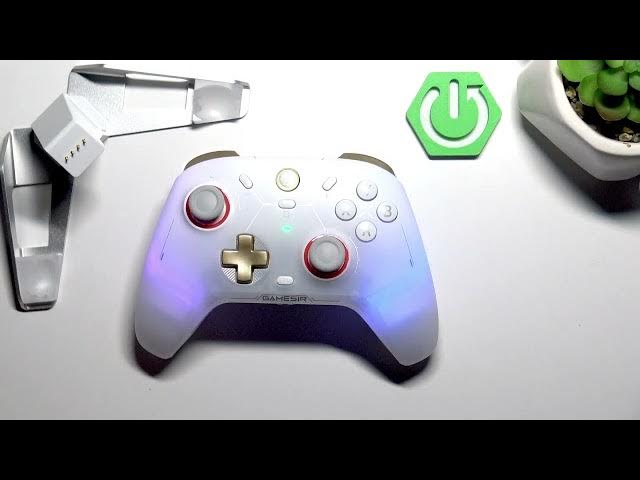

GameSir Cyclone 2 – How to Pair with GameSir Connect App
Jun 7, 2026

In this video I show how to pair the GameSir Cyclone 2 controller with the dedicated GameSir Connect app on PC. You will learn where to download the app (Microsoft Store or GameSir website), how to open it, select Cyclone 2, and confirm the controller is turned on. I also explain simple troubleshooting: if the app does not see the controller, connect the Cyclone 2 to your PC via USB cable — the app should open automatically. Finally I cover the main settings you can manage in the app like profiles, report rate, stick calibration and language so you can customize your controller experience.
How to pair GameSir Cyclone 2 with GameSir Connect app?
How to connect GameSir Cyclone 2 to a PC via cable?
How to fix GameSir Cyclone 2 not connecting to the app?
0:00 Intro – GameSir Cyclone 2 overview
0:07 Download GameSir Connect (Microsoft Store or GameSir website)
0:30 Open the app and select Cyclone 2
0:35 Make sure the controller is turned on
0:56 Troubleshooting – connect via USB cable
1:16 App opens automatically when connected by cable
1:17 Managing profiles, report rate, stick calibration and language
1:23 Wrap up and subscribe
#GameSir #GameSirCyclone2 #ControllerSetup #GameSirConnect
Find out more:
https://www.hardreset.info/devices/gamesir/gamesir-cyclone-2/
Show More Show Less #Science