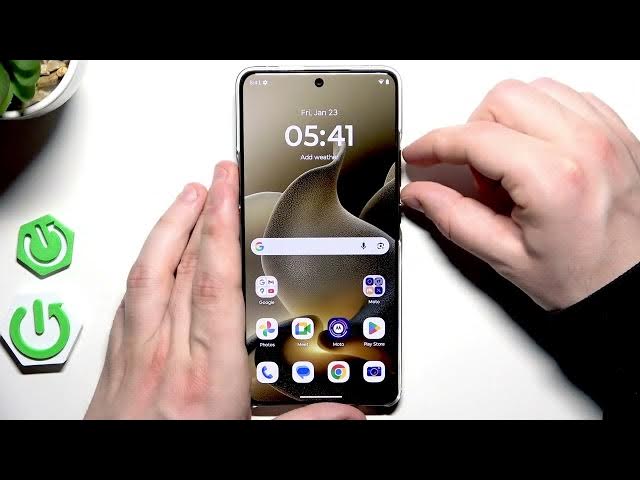

MOTOROLA Signature – How to Restart
Jan 28, 2026

In this video we show two simple and reliable ways to restart your MOTOROLA Signature. You will learn the recommended reboot using the power menu (press power + volume up, then tap Restart) and a force restart method for when the phone is frozen or unresponsive. This short, clear guide explains exactly which buttons to press, how long to hold them, what you will see on screen, and when to use each method so you can get your MOTOROLA Signature working again quickly.
How to restart MOTOROLA Signature?
How to force restart MOTOROLA Signature when frozen or unresponsive?
How to reboot MOTOROLA Signature using the power menu?
0:00 Introduction
0:05 Two methods overview
0:12 Reboot using Power Menu – press Power + Volume Up
0:24 Tap Restart and wait for the phone to power off and on
0:42 Force Restart – when to use (frozen/unresponsive screen)
0:55 How to perform Force Restart – hold Power + Volume Up until screen turns off
1:03 Phone boots, logo shown, and final tips
#MOTOROLA #MotorolaSignature #Restart #ForceRestart
Find out more:
https://www.hardreset.info/devices/motorola/motorola-signature/
Follow us on Instagram ► https://www.instagram.com/hardreset.info
Show More Show Less #Science