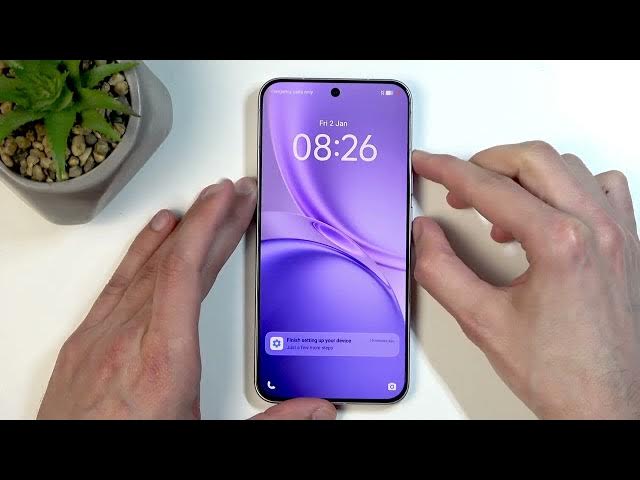

VIVO X300 FE Hard Reset (Recovery Mode)
Jun 10, 2026

In this video I show how to hard reset the VIVO X300 FE using recovery mode. You will learn what a hard reset does, the risks of data loss and FRP lock, simple backup options (Google Drive and Vivo EasyShare migration), and the exact button steps to boot into recovery and clear all data. This method can remove a forgotten screen lock but it will erase contacts, photos, messages and apps. Follow each step carefully and check your backups before you reset to avoid losing important files.
How to hard reset VIVO X300 FE?
How to factory reset VIVO X300 FE via recovery mode?
How to remove screen lock on VIVO X300 FE without password?
0:00 Introduction & warnings (data loss, FRP, backup)
0:23 Backup options: Google Drive and EasyShare migration
4:19 Boot options & power off the device
4:31 Enter recovery mode (press Power + Volume Up)
4:53 Select Recovery and confirm with Power button
5:05 Select Clear data → Clear all data → Confirm OK
5:52 Restart device and finish the reset
6:08 Setup screen and final notes
#VIVO #VIVOX300FE #HardReset #FactoryReset
Find out more:
https://www.hardreset.info/devices/vivo/vivo-x300-fe/hardreset-first-method/
Show More Show Less #Science