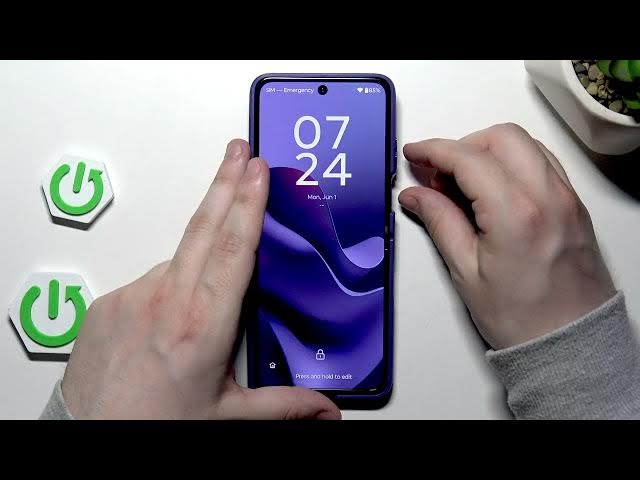

MOTOROLA Razr 70 Ultra - How to Unlock Without Password
Jun 3, 2026

In this video I show how to unlock a MOTOROLA Razr 70 Ultra without knowing the lock password by using recovery mode and a factory reset. You will see the exact key combinations to enter the boot menu, how to select Recovery Mode, perform "Wipe data / Factory reset" and reboot the phone. Important: only attempt this on your own device. A factory reset will erase all personal data and apps. After reset the phone will require the same Google account that was previously signed in (FRP verification). This guide is step-by-step and based on the video demo so you can follow along safely and avoid common mistakes.
How to unlock MOTOROLA Razr 70 Ultra without password?
How to factory reset MOTOROLA Razr 70 Ultra via recovery mode?
How to sign in to MOTOROLA Razr 70 Ultra after reset (Google verification)?
0:00 Intro and legal warnings
0:12 Why you must only reset your own device / data loss warning
0:46 Power off and force restart explained
0:58 Key combo: power + volume up then switch to power + volume down
1:19 Select Recovery Mode from boot menu
1:39 Enter recovery mode (Android logo) and open recovery menu
1:44 Select "Wipe data / Factory reset" and confirm
2:06 Reboot system now and wait for setup
2:36 Setup process and Google account verification reminder
2:43 Outro and final tips
#MOTOROLA #Razr70Ultra #UnlockPhone #FactoryReset
Find out more:
Show More Show Less #Science