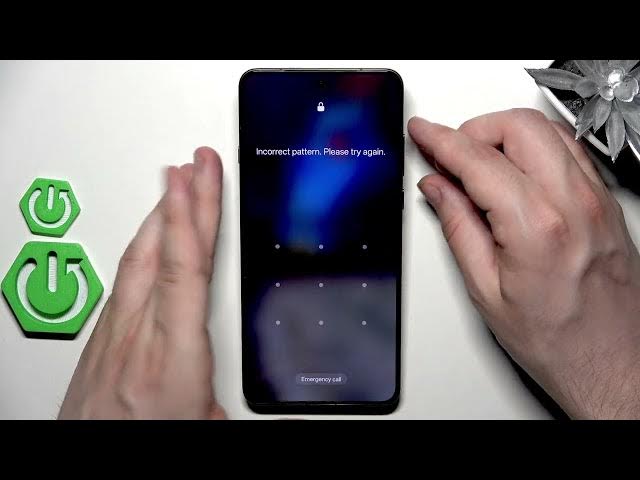

OPPO Find X9 Ultra - How to Unlock Without Password
Jun 10, 2026

In this video I show how to unlock OPPO Find X9 Ultra without password using recovery mode and a factory reset. This method will erase all data on the phone and there is a chance the device will ask you to sign in with the same Google account used before (FRP verification). Follow only on your own device. I explain each step clearly: power off, enter recovery (power + volume down), select language, choose Format Data, type the confirmation code, and reboot to setup.
How to unlock OPPO Find X9 Ultra without password?
How to factory reset OPPO Find X9 Ultra from recovery mode?
How to sign in to OPPO Find X9 Ultra after a factory reset?
0:00 Intro & warnings
0:48 Power off the OPPO Find X9 Ultra
0:56 Enter recovery mode (hold Power + Volume Down)
1:19 Select language in recovery
1:26 Choose "Format Data" and confirm with the code
1:37 Device resets and reboots
1:53 Setup notes and Google account verification
#OPPOFindX9Ultra #OPPO #UnlockPhone #FactoryReset
Find out more:
https://www.hardreset.info/devices/oppo/oppo-find-x9-ultra/
Follow us on Instagram ► https://www.instagram.com/hardreset.info
Show More Show Less #Science