
MOTOROLA Moto G87 - How to Transfer Data from an Old Phone
Jun 7, 2026

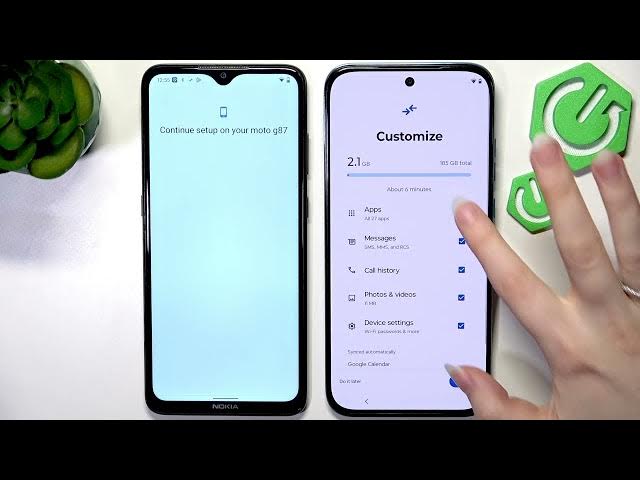
Learn how to quickly transfer contacts, photos, apps and settings to your new MOTOROLA Moto G87 during the initial setup. In this video we use the built-in "Set up with another device" method: start the Moto G87 setup, choose to copy from another phone, connect the two devices, scan the QR code, join Wi-Fi, verify your Google account, pick what to copy and finish the transfer. This fast, reliable way moves your messages, media and most apps so your Moto G87 is ready to use in minutes.
How to transfer data to MOTOROLA Moto G87 from an old phone?
How to use "Set up with another device" on MOTOROLA Moto G87?
How to restore apps, contacts and photos to MOTOROLA Moto G87?
0:00 Intro
0:07 Start setup on Moto G87
0:15 Choose "Set up with another device"
0:20 Connect old phone and accept prompt
0:28 Scan QR code and connect to Wi‑Fi
0:59 Verify Google account (enter password)
1:30 Skip SIM and fingerprint setup (optional)
2:03 Select what to copy and enable backup
2:55 Finish copying and close old phone
3:20 Complete setup and check files on Moto G87
3:54 Outro / Like & Subscribe
#MotoG87 #Motorola #DataTransfer #PhoneSetup
Show More Show Less #Science