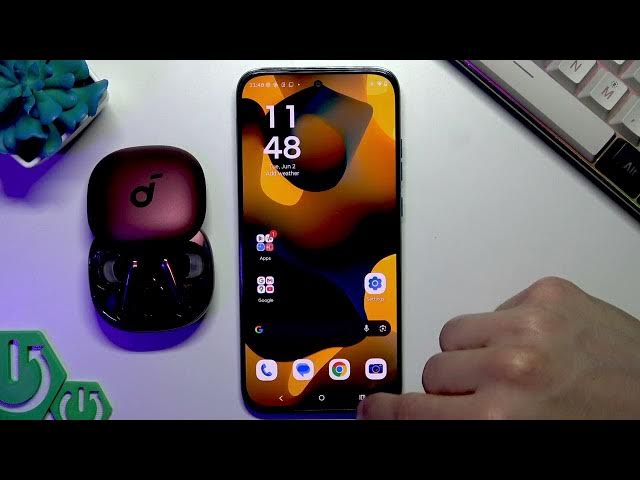

Fix Moto G87 5G Bluetooth Won't Connect
Jun 2, 2026

Having trouble connecting Bluetooth accessories to your MOTOROLA Moto G87? In this video we show simple, step-by-step fixes to get Bluetooth working again. You’ll learn how to confirm the accessory is in pairing mode and charged, how to pair from Quick Settings, how to forget and repair a paired device, when to restart both the phone and the Bluetooth accessory, and how to reset Wi‑Fi & Bluetooth from system settings on the Moto G87. These steps solve the most common issues where the phone detects a device but audio or controls do not work, and they are easy to follow even for non-technical users.
How to fix Bluetooth won't connect on MOTOROLA Moto G87?
How to pair MOTOROLA Moto G87 with Bluetooth headphones or earbuds?
How to reset Bluetooth and Wi-Fi on MOTOROLA Moto G87?
0:00 Intro – what problem we fix
0:14 Check pairing mode and battery on your Bluetooth device
0:25 Put the accessory into pairing mode (buttons, double-clicks)
0:46 Pair via Quick Settings → Bluetooth → Pair new device
1:03 Confirm connection and test audio/functions
1:10 If device is connected but unusable – Forget device and re-pair
1:54 Restart both the Moto G87 and the Bluetooth accessory
2:13 Reset Wi‑Fi & Bluetooth from Settings → System → Reset options
2:53 Re-pair and final test / Wrap up
#MotoG87 #Motorola #BluetoothFix #BluetoothTroubleshooting
Find out more:
https://www.hardreset.info/devices/motorola/motorola-moto-g87/
Show More Show Less #Science