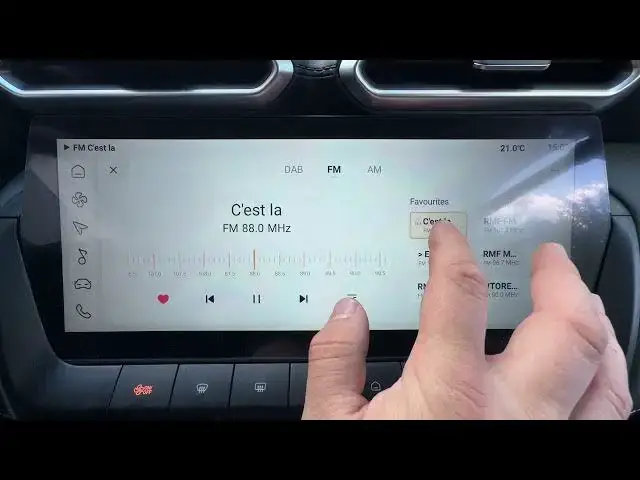

MG ZS – How to Assign Radio Station to a Preset
Jun 30, 2026

In this short video I show how to assign a radio station to a preset on the MG ZS infotainment system. You’ll learn how to select a station, open the radio preset list and save or delete favorites so you can quickly return to your preferred stations while driving. This clear, step-by-step demo is perfect for new MG ZS owners who want to manage radio presets and make their daily driving easier.
How to assign a radio station to a preset on MG ZS?
How to save a radio station as favorite on MG ZS?
Where is the radio preset list on MG ZS?
0:00 Intro – MG ZS and what we’ll do
0:08 Go to Radio and select the radio station
0:18 Open the preset list (tap the preset/heart icon)
0:29 How to delete a favorite from presets
0:44 Wrap up – like, comment and subscribe
#MGZS #CarRadio #RadioPreset #MG
Find out more:
https://www.hardreset.info/devices/mg/mg-zs/assign-radio-station-to-preset/
Follow us on Instagram ► https://www.instagram.com/hardreset.info
Like us on Facebook ► https://www.facebook.com/hardresetinfo/
Tweet us on Twitter ► https://twitter.com/HardResetI
Show More Show Less #Science