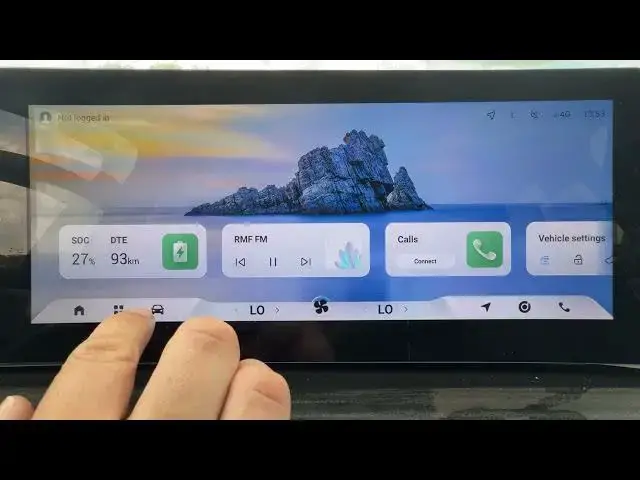

OMODA 5 EV – How to Enable or Disable Blind Spot Detection
Jun 30, 2026

In this short video we show how to enable or disable Blind Spot Detection on the OMODA 5 EV. You’ll learn where to find the setting inside the car menu, how to open CAR → DRIVER ASSISTANCE, and exactly how to switch Blind Spot Detection on or off. This quick, easy guide helps you control safety alerts and customize your OMODA 5 EV driving experience in seconds.
How to enable Blind Spot Detection on OMODA 5 EV?
How to disable Blind Spot Detection on OMODA 5 EV?
Where is the Blind Spot Detection setting in OMODA 5 EV?
0:00 Intro – What we’ll show
0:05 Open the CAR menu
0:08 Go to DRIVER ASSISTANCE
0:13 Find Blind Spot Detection and toggle it on or off
0:20 Wrap up – Like, comment and subscribe
#OMODA5EV #BlindSpotDetection #OMODA5 #CarSafety
Find out more:
https://www.hardreset.info/devices/omoda/omoda-5-ev/
Follow us on Instagram ► https://www.instagram.com/hardreset.info
Like us on Facebook ► https://www.facebook.com/hardresetinfo/
Tweet us on Twitter ► https://twitter.com/HardResetI
Show More Show Less #Science