
LENOVO Yoga Slim 7 – How to Send Files From Phone
Jun 15, 2026

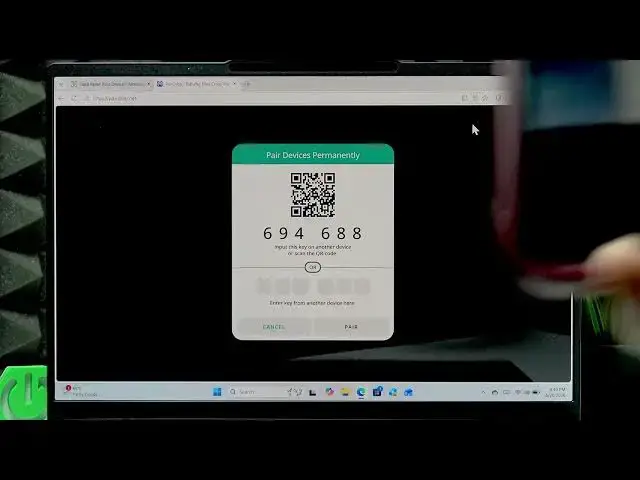
In this video you will learn simple, reliable ways to send files from your smartphone to your LENOVO Yoga Slim 7. We cover the fastest wired method using a USB cable and an easy wireless option using pairedrop.net. Follow step-by-step instructions to connect devices, scan the QR code, choose files on your phone, and accept the download on your Yoga Slim 7. This guide works for Android phones and iPhone web links and is ideal if you want a quick transfer without installing extra apps.
How to send files from smartphone to LENOVO Yoga Slim 7?
How to transfer files from phone to LENOVO Yoga Slim 7 using pairedrop.net?
How to transfer files via USB cable from phone to LENOVO Yoga Slim 7?
0:00 Intro – what we will show
0:06 Wired transfer – use a USB cable (fastest, safest)
0:26 Wireless option – open a browser and go to pairedrop.net
0:43 Pairing – click the link icon and scan the QR code with your phone
1:10 Follow the link on your phone and pair devices
1:20 Select files on your phone and send
1:35 Accept the incoming file on your LENOVO Yoga Slim 7
1:47 Outro – tips and subscribe
#LENOVO #YogaSlim7 #FileTransfer #PairDrop
Find out more:
https://www.hardreset.info/devices/lenovo/lenovo-yoga-slim-7/send-files-from-phone/
Show More Show Less #Science