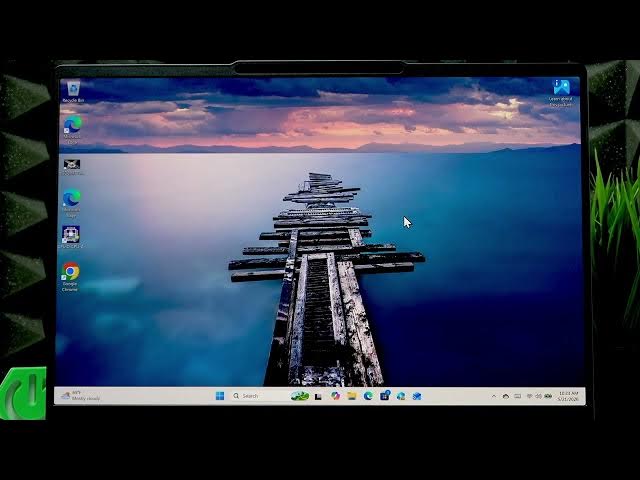

How to Use LENOVO Yoga Slim 7 as a Monitor
Jun 14, 2026

In this video I show how to use your LENOVO Yoga Slim 7 as a monitor for another Windows laptop or PC. You will learn how to add the Windows Wireless Display feature, enable Projecting to this PC settings, and start casting over the same Wi‑Fi network using Windows+K. I walk through Optional Features, selecting Wireless Display, configuring discovery options, accepting the incoming connection on the Yoga Slim 7, and how to stop projection when finished. This wireless method works with any Windows device on the same network and requires no extra cables.
How to use LENOVO Yoga Slim 7 as a monitor?
How to enable Wireless Display on LENOVO Yoga Slim 7?
How to cast from another Windows laptop to LENOVO Yoga Slim 7?
0:00 Introduction
0:06 Requirements: Windows and same Wi‑Fi network
0:29 Open Settings → System → Optional Features
0:48 Add Wireless Display (search and install)
1:13 Open Projecting to this PC and set discovery options
2:26 Start casting from the other PC (press Windows + K)
2:55 Accept the connection on the Yoga Slim 7
3:07 Stop projection and quick tips
#Lenovo #YogaSlim7 #WirelessDisplay #ScreenMirroring
Find out more:
https://www.hardreset.info/devices/lenovo/lenovo-yoga-slim-7/
Show More Show Less #Science