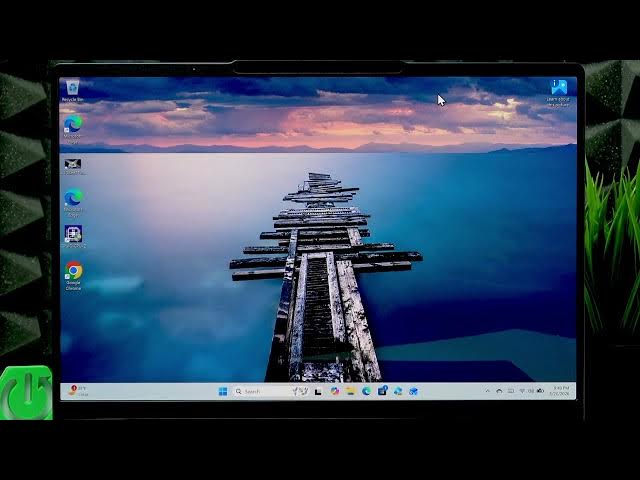

LENOVO Yoga Slim 7 - Set Charging Limit (Conservation Mode)
Jun 14, 2026

Learn how to set a charging limit on your LENOVO Yoga Slim 7 to protect battery health and extend battery lifespan. In this short video we show how to use the pre-installed Lenovo Vantage app (or how to install it from the Microsoft Store) to enable Conservation Mode. Enabling Conservation Mode limits charging to about 75–80%, reduces time spent at full charge, and helps slow battery wear. Follow the steps to open Lenovo Vantage, go to Device settings → Power → Charging, and turn on Conservation Mode to keep your Yoga Slim 7 battery healthier for longer.
How to set charging limit on LENOVO Yoga Slim 7?
How to enable Conservation Mode on LENOVO Yoga Slim 7?
Where to download Lenovo Vantage for LENOVO Yoga Slim 7?
0:00 Intro - What this video covers
0:06 Open Lenovo Vantage from Start menu
0:23 Install Lenovo Vantage from Microsoft Store (if missing)
0:39 Go to Device settings → Power → Charging
0:54 Enable Conservation Mode (limits charging to ~75–80%)
1:09 Why limiting charge extends battery lifespan
1:24 Wrap up and subscribe
#Lenovo #YogaSlim7 #BatteryConservation #LenovoVantage
Find out more:
https://www.hardreset.info/devices/lenovo/lenovo-yoga-slim-7/set-charging-limit/
Follow us on Instagram ► https://www.instagram.com/hardreset.info
Show More Show Less #Science