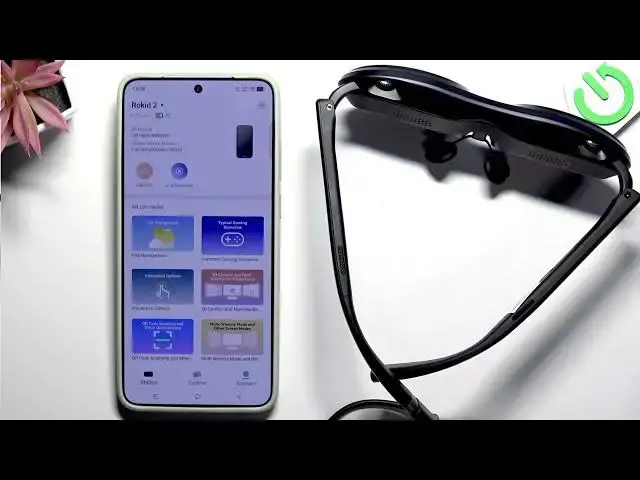

Rokid Max 2 AR – How to transfer photos and videos to Rokid Station 2
Jun 17, 2026

In this short video I'll show how to transfer photos and videos from your phone to Rokid Station 2 using the Rokid app and the same account on your Rokid Max 2 AR. You will learn how to open the Rokid app, connect to the Station, tap Send Files, choose Files or Photo Gallery, allow limited photo access, and complete the transfer. The video also shows the storage warning you may see ("remaining capacity insufficient") and explains that you need free space on the Station to receive files. This method works for pictures and video clips and is the fastest way to move media to your Rokid device.
How to transfer photos from phone to Rokid Station 2 using the Rokid app?
How to send videos to Rokid Max 2 AR from Android or iPhone?
Where is Send Files in the Rokid app on Rokid Max 2 AR?
0:00 Introduction
0:05 Open the Rokid app and sign in
0:28 Connect to Rokid Station 2 and tap Send Files
0:41 Select Files or Photo Gallery
0:57 Allow photo access and confirm selection
1:07 Storage warning – free up Rokid Station 2 space
1:15 Wrap up and tips
#RokidMax2AR #RokidStation2 #FileTransfer #ARHeadset
Find out more:
https://www.hardreset.info/devices/rokid/rokid-max-2-ar/
Follow us on Instagram ► https://www.instagram.com/hardreset.info
Show More Show Less #Science