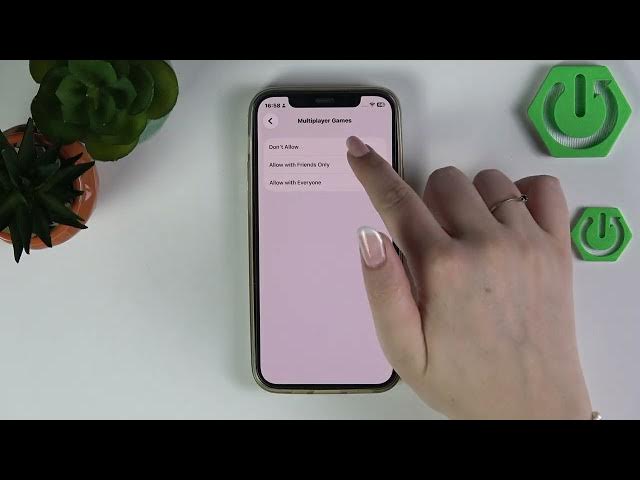

iPhone (iOS 26) – Disable Multiplayer Games in Game Center
Jun 2, 2026

Learn how to disable multiplayer games in Game Center on an iPhone running iOS 26. This video shows a quick, step-by-step way to stop multiplayer matches, game invites, and online play on a device using Screen Time and Content & Privacy Restrictions. Follow along to find the exact path: Settings → Screen Time → Content & Privacy Restrictions → App Store, Media, Web and Games → Game Center, then set Multiplayer Games to "Don't Allow" or choose "Allow with Friends Only" if you prefer limited access. This is useful for parents, shared devices, or anyone who wants to block online multiplayer on their iPhone (iOS 26).
How to disable multiplayer games on iPhone iOS 26 using Game Center?
How to turn off Game Center multiplayer with Screen Time on iPhone iOS 26?
Where is the Multiplayer Games setting in Game Center on iPhone?
0:00 Intro - What we'll do
0:09 Open Settings and go to Screen Time
0:30 Enter Content & Privacy Restrictions
0:33 Open App Store, Media, Web and Games
0:42 Select Game Center and find Multiplayer Games
0:47 Choose "Don't Allow" (or "Allow with Friends Only")
1:06 Wrap up and subscribe
#iPhone #GameCenter #iOS26 #ParentalControls
Find out more:
https://www.hardreset.info/devices/apple/apple-iphone/
Follow us on Instagram ► https://www.instagram.com/hardreset.info
Show More Show Less #Science