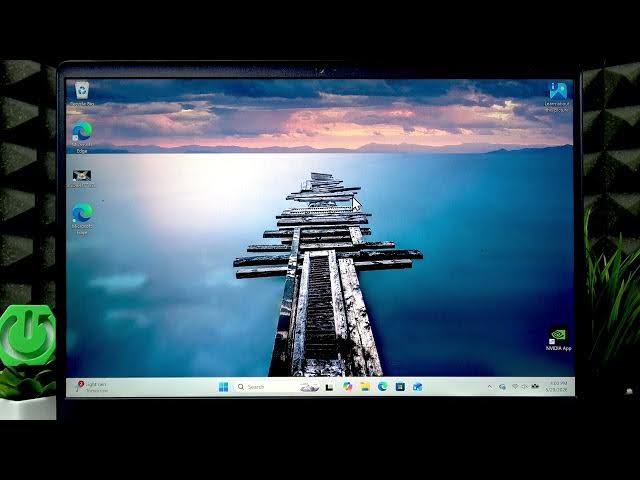

Alienware Aurora: How to Use Game Mode in Windows 11
Jun 2, 2026

Learn how to enable and use Game Mode on your Alienware Aurora 16 running Windows 11. This video shows both the Windows Game Mode toggle and the Alienware Command Center steps to prepare your laptop for gaming. You will learn where to turn on Windows Game Mode, how to install and open Alienware Command Center (download from Dell / Dell Support if you don't have it), how to switch Performance from Balanced to Performance or Overdrive, and how to set the MUX to DGPU only to get extra FPS. These quick, easy changes help stabilize and improve in-game performance on your Alienware Aurora 16.
How to enable Game Mode on Alienware Aurora 16 running Windows 11?
How to use Alienware Command Center on Alienware Aurora 16 to boost performance?
How to switch MUX to DGPU only on Alienware Aurora 16 for better FPS?
0:00 Welcome and overview
0:05 Open Start → Settings → Gaming and enable Game Mode
0:25 Download and open Alienware Command Center (Dell Support)
0:54 Change Performance from Balanced to Performance or Overdrive
1:14 In Settings enable MUX and switch to DGPU only for extra FPS
1:21 Wrap up and final tips
#Alienware #AlienwareAurora #Windows11 #GameMode
Find out more:
https://www.hardreset.info/devices/alienware/alienware-aurora/
Follow us on Instagram ► https://www.instagram.com/hardreset.info
Like us on Facebook ► https://www.facebook.com/hardresetinfo/
Show More Show Less #Science