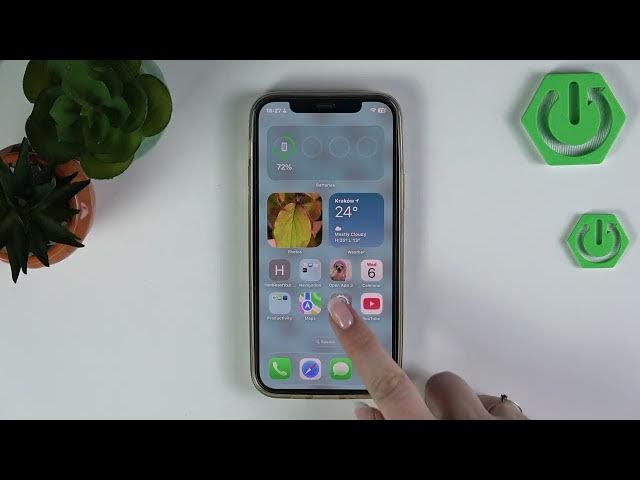

iPhone iOS 26 – How to Manage Math Results in Siri Responses
Jun 2, 2026

Learn how to enable or disable math results in Siri responses on your iPhone with iOS 26. This quick video shows the exact Settings path so you can control whether Siri gives instant math answers. It's useful for students, parents, or anyone who wants to allow or hide automatic calculation results from Siri. We walk through opening Settings, going to Screen Time → Content & Privacy Restrictions → Intelligence & Siri, and toggling the Math Results option. The change applies immediately and is easy to revert at any time.
How to manage math results in Siri responses on iPhone with iOS 26?
How to disable math results in Siri on iPhone iOS 26?
How to allow math results in Siri on iPhone using Screen Time?
0:00 Intro
0:11 Why this feature is useful for students and parents
0:20 Open Settings and go to Screen Time
0:31 Tap Content & Privacy Restrictions
0:40 Open Intelligence & Siri
0:50 Toggle Math Results on or off
1:03 Wrap up and final notes
#iPhone #Siri #iOS26 #SiriTips
Find out more:
https://www.hardreset.info/devices/apple/apple-iphone/
Follow us on Instagram ► https://www.instagram.com/hardreset.info
Show More Show Less #Science