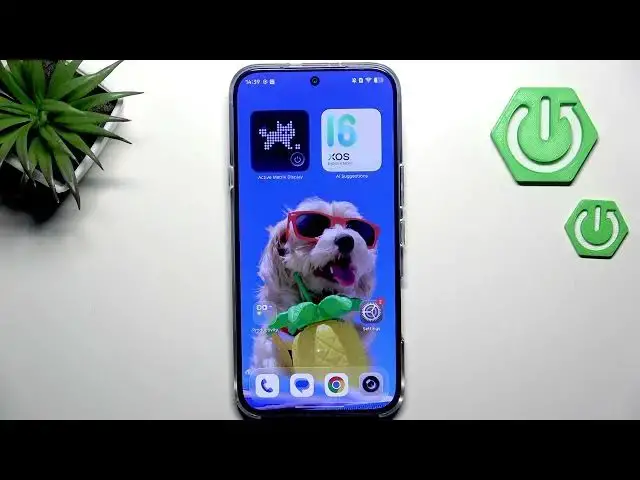

INFINIX Note 60 Pro – How to Turn Off Ads & Ad Personalization
Jun 30, 2026

In this video I show how to turn off ads and stop ad personalization on the INFINIX Note 60 Pro. You will learn quick practical steps: set a private DNS (dns.adguard.com) to block many ad domains, reset and delete your Google Advertising ID to remove personalized ads, disable ad personalization in Google services, turn off app notification ads, and check ad blocker apps in Google Play. These steps reduce ads and personalization but may not remove every ad.
How to turn off ads on INFINIX Note 60 Pro?
How to disable ad personalization on INFINIX Note 60 Pro?
How to block ads on INFINIX Note 60 Pro using Private DNS dns.adguard.com?
0:00 Introduction
0:07 Open Settings and go to Multi-device connection → Private DNS
0:29 Set Private DNS provider hostname to dns.adguard.com
0:54 Go to Settings → Google → All services → Ads and reset Advertising ID
1:58 Turn off app ad notifications and manage notification categories
3:18 Search Google Play for ad blocker apps and final tips
#INFINIX #INFINIXNote60Pro #AdBlock #Ads
Find out more:
https://www.hardreset.info/devices/infinix/infinix-note-60-pro/turn-adds/
Follow us on Instagram ► https://www.instagram.com/hardreset.info
Like us on Facebook ► https://www.facebook.com/hardresetinfo/
Show More Show Less #Science