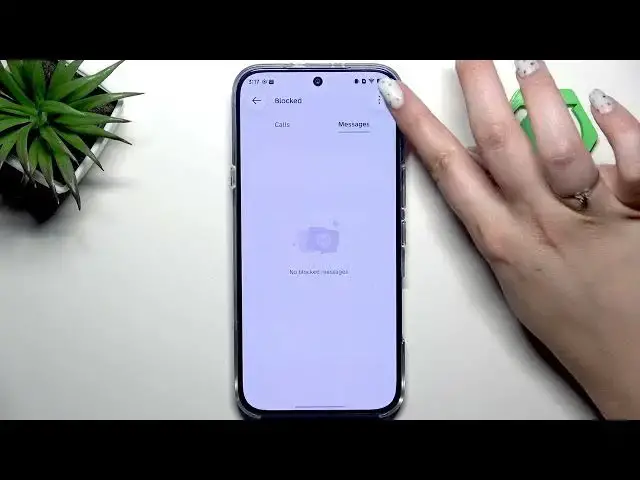

INFINIX Note 60 Pro – How to Block a Number
Jun 30, 2026

In this video I show how to block a number on the INFINIX Note 60 Pro. You will learn two simple methods: block a saved contact directly from the Dialer/Contacts, and manage the Blocked Numbers list in Phone settings. I also show how to add a number manually (no contact required) and where to find filter rules so you can stop unwanted calls and SMS, control spam, and unblock when needed. These steps work on stock phone app settings and are fast to follow.
How to block a number on INFINIX Note 60 Pro?
How to unblock a number on INFINIX Note 60 Pro?
Where is the blocked numbers list on INFINIX Note 60 Pro?
0:00 Intro
0:07 Open Dialer and go to Contacts
0:31 Select contact and tap Block numbers
0:51 Confirm block & how to unblock a contact
1:02 Second method: Phone settings → Blocked numbers
1:10 Manage block list, filter rules and add number manually
1:30 Notes about SIM card, tips and end
#InfinixNote60Pro #BlockNumber #AndroidTips #PhoneSecurity
Find out more:
https://www.hardreset.info/devices/infinix/infinix-note-60-pro/block-number/
Follow us on Instagram ► https://www.instagram.com/hardreset.info
Show More Show Less #Science