
INFINIX Note 60 Pro – How to Allow Unknown Sources
Jun 30, 2026

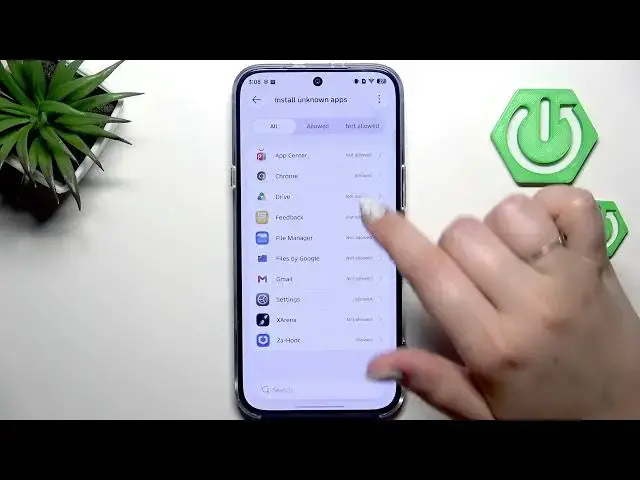
Learn how to allow unknown sources on the INFINIX Note 60 Pro so you can install apps from outside the Play Store. In this short, clear video we show each step: open Settings, go to Privacy, select Special permissions, tap Install unknown apps, choose the app (for example Chrome) and enable Allow from this source. We also show how to revoke the permission and explain the security risks of installing unverified apps so you can make a safe decision.
How to allow unknown sources on INFINIX Note 60 Pro?
How to enable Install unknown apps on INFINIX Note 60 Pro?
Where is Install unknown apps in INFINIX Note 60 Pro settings?
0:00 Intro
0:06 Open Settings and go to Privacy
0:19 Special permissions → Install unknown apps
0:35 Select Chrome and enable "Allow from this source"
0:59 Revoke permission and security warning
1:17 Outro
#Infinix #InfinixNote60Pro #UnknownSources #AndroidSettings
Find out more:
https://www.hardreset.info/devices/infinix/infinix-note-60-pro/unknown-sources/
Follow us on Instagram ► https://www.instagram.com/hardreset.info
Like us on Facebook ► https://www.facebook.com/hardresetinfo/
Show More Show Less #Science