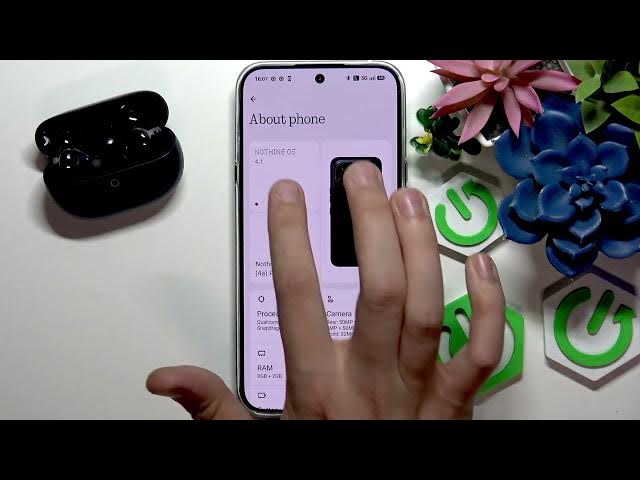

HUAWEI FreeBuds Pro 5 – How to Enable or Disable HD Audio
Jun 14, 2026

In this video I show how to enable or disable HD Audio (AAC) for the HUAWEI FreeBuds Pro 5 on an Android phone. You will learn how to open Settings, go to Connected devices, tap the device gear, toggle the HD Audio/AAC option, and use Developer Options to change the Bluetooth audio codec for higher quality audio. These simple steps help you switch between standard and high-resolution audio and choose the best codec for your setup.
How to enable HD Audio on HUAWEI FreeBuds Pro 5?
How to disable HD Audio on HUAWEI FreeBuds Pro 5?
Where is the Bluetooth audio codec setting for HUAWEI FreeBuds Pro 5?
0:00 Intro – HUAWEI FreeBuds Pro 5 and HD Audio
0:08 Open Settings and go to Connected devices
0:18 Tap the device gear and check HD Audio (AAC) toggle
0:33 Enable Developer Options (tap Build number)
0:54 Developer options – Bluetooth audio codec selection
1:08 Conclusion and final notes
#Huawei #FreeBudsPro5 #HDAudio #BluetoothAudio
Find out more:
https://www.hardreset.info/devices/huawei/huawei-freebuds-pro-5/enable-or-disable-hd-audio/
Follow us on Instagram ► https://www.instagram.com/hardreset.info
Like us on Facebook ► https://www.facebook.com/hardresetinfo/
Show More Show Less #Science