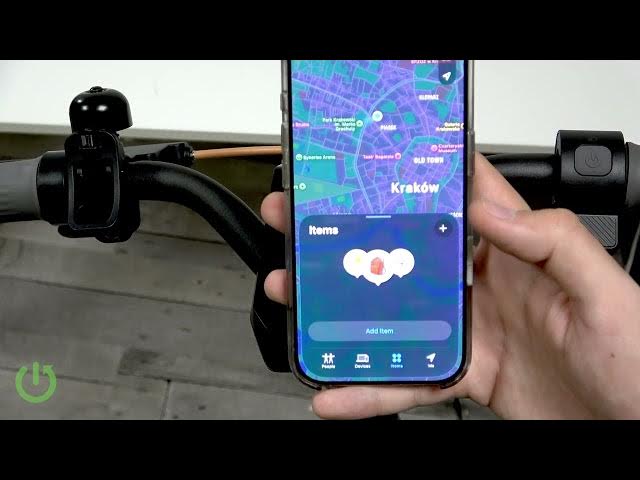

How to Set Up Apple Find My on NAVEE GT3 Max
Jun 10, 2026

In this short video I show how to set up Apple Find My for the NAVEE GT3 Max electric scooter using your iPhone. You will learn where to enable Find My support inside the NAVEE app, how to add the scooter as an item in the Apple Find My app, and the exact pairing step (hold the brake and press the throttle three times). This makes it easy to locate and track your NAVEE GT3 Max from your iPhone if it gets lost or moved.
How to set up Apple Find My on NAVEE GT3 Max?
How to add NAVEE GT3 Max to the Apple Find My app?
How to pair NAVEE GT3 Max with an iPhone using Find My?
0:00 Intro
0:12 Open the NAVEE app and go to More features
0:26 Enable the Find My option in the NAVEE app
0:43 Open Apple Find My and go to Items → Add Item
0:55 Put NAVEE GT3 Max into pairing mode (hold brake + throttle 3x)
1:08 Connect the scooter and give it a name
1:29 Finish setup and find your scooter in the Items list
1:53 Wrap up and final checks
#NAVEEGT3Max #NAVEE #FindMy #AppleFindMy
Find out more:
https://www.hardreset.info/devices/navee/navee-gt3-max/
Show More Show Less #Science