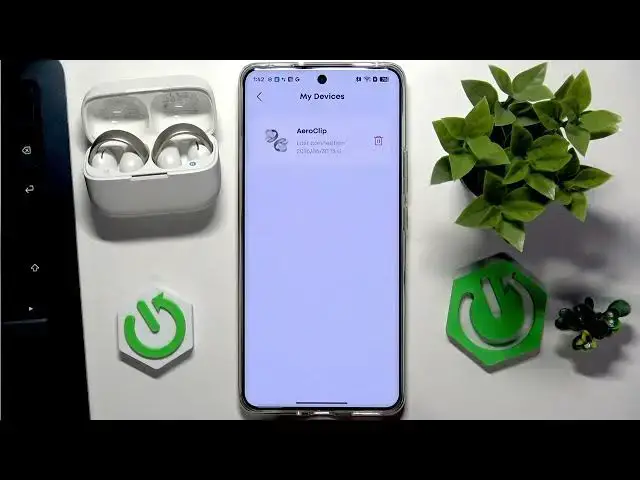

How to Remove SOUNDCORE AeroClip from Soundcore App
Jul 1, 2026

In this short video you'll learn how to remove your SOUNDCORE AeroClip earbuds from the Soundcore app step by step. We'll open the app, show where to find your profile, go to My Devices, and use the trash/bin icon to delete the AeroClip entry. This is the quick way to unpair or remove the device from the app if you're selling, troubleshooting, or reconnecting to another phone. Clear, simple steps for both Android and iPhone users to manage their Soundcore devices and clean up the app device list.
How to remove SOUNDCORE AeroClip from Soundcore app?
How to unpair SOUNDCORE AeroClip from my phone using the Soundcore app?
Where is My Devices in the Soundcore app to delete AeroClip?
0:00 Intro — What we're removing and why
0:04 Open the Soundcore app and go back to main screen
0:11 Tap your profile (bottom right)
0:20 Select "My Devices"
0:28 Tap the bin/trash icon next to AeroClip and confirm removal
0:38 Done — Device removed and tips
#SOUNDCORE #AeroClip #SoundcoreApp #UnpairEarbuds
Find out more:
https://www.hardreset.info/devices/soundcore/soundcore-aeroclip/remove-device-app/
Follow us on Instagram ► https://www.instagram.com/hardreset.info
Like us on Facebook ► https://www.facebook.com/hardresetinfo/
Show More Show Less #Science