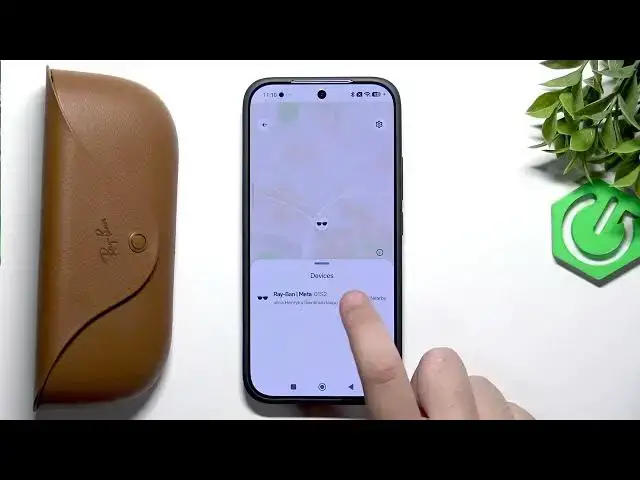

META Ray-Ban Wayfarer – How to Find Your Glasses & Last Location
Jun 17, 2026

This video shows how to find your META Ray-Ban Wayfarer glasses and check their last known location using the Meta AI app. You'll see how to open the Meta AI app, tap the gear icon, scroll to Privacy & Security, and use the Find Device option to view your glasses on the map and confirm if they are nearby or show the last connected location. This quick walkthrough helps you recover lost glasses fast and explains each step in simple, clear instructions for anyone using the app.
How to find my META Ray-Ban Wayfarer last location in the Meta AI app?
How to use Find Device to locate META Ray-Ban Wayfarer?
How to check if META Ray-Ban Wayfarer is nearby in Meta AI?
0:00 Intro - What we will show
0:10 Open Meta AI app and select your glasses
0:21 Tap the gear icon to open settings
0:29 Scroll to Privacy & Security and tap Find Device
0:36 View device location, status and "nearby" info
0:59 Wrap up and tips to find lost glasses
#Meta #RayBan #Wayfarer #FindMyGlasses
Find out more:
https://www.hardreset.info/devices/meta/meta-ray-ban-wayfarer/
Follow us on Instagram ► https://www.instagram.com/hardreset.info
Like us on Facebook ► https://www.facebook.com/hardresetinfo/
Show More Show Less #Science