
DELL Pro 14 – How to Use Split Screen
Jun 10, 2026

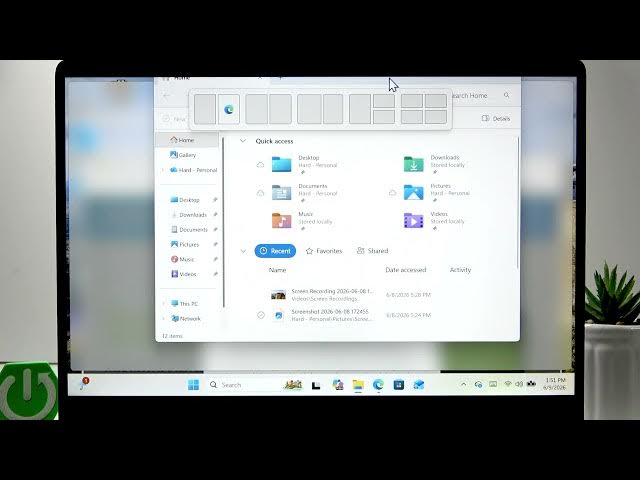
In this video you will learn how to use the Split Screen feature on the DELL Pro 14 to work faster and multitask better. We show how to open two or more apps, snap a window to one side, resize the divider between apps, and use the top snap positions to place up to four windows at once. Clear, simple steps make it easy to organize your workspace on the Dell Pro 14 and get more done with less effort. Keywords: DELL Pro 14 split screen, snap windows, resize divider, multitasking on Dell, how to split screen Dell Pro 14.
How to use Split Screen on DELL Pro 14?
How to snap two apps side by side on DELL Pro 14?
How to arrange four windows with Split Screen on DELL Pro 14?
0:00 Intro – What you will learn
0:06 Open at least two apps to start
0:18 Snap a window to the left or right side
0:33 Select the other window to fill the opposite side
0:51 Use the top snap positions to add 3 or 4 windows
1:02 Resize the divider and adjust each window
1:10 Outro – Tips and subscribe
#DellPro14 #SplitScreen #WindowsTips #Multitasking
Find out more:
https://www.hardreset.info/devices/dell/dell-pro-14/split-screen/
Follow us on Instagram ► https://www.instagram.com/hardreset.info
Show More Show Less #Science