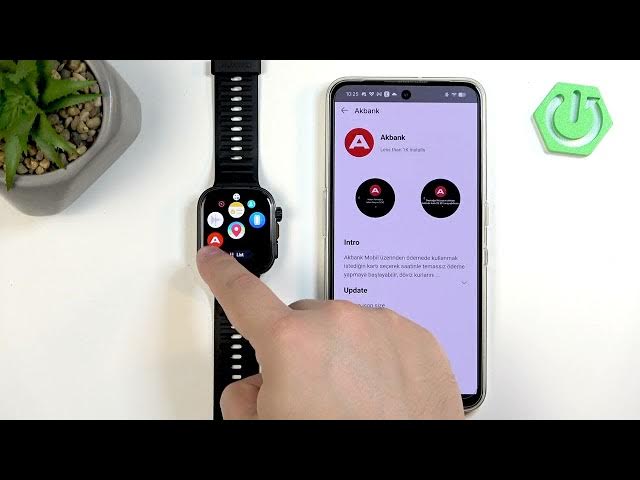

HUAWEI Watch Fit 5 Pro – How to Install Apps
Jun 7, 2026

Learn how to install applications on your HUAWEI Watch Fit 5 Pro using the HUAWEI Health app. This video shows each step: pair the watch with your phone, open HUAWEI Health, find the AppGallery for Watch Fit 5 Pro, install apps directly from the phone, and confirm the app appears in the watch menu. You will also learn how to use the Installation Manager to uninstall or update apps and free up space so your watch runs smoothly. This quick and clear walkthrough is perfect for beginners and anyone who wants to add or manage apps on their Watch Fit 5 Pro.
How to install applications on HUAWEI Watch Fit 5 Pro using HUAWEI Health?
How to manage or uninstall apps on HUAWEI Watch Fit 5 Pro?
Where is the AppGallery in HUAWEI Health for Watch Fit 5 Pro?
0:00 Intro
0:11 Pair the watch with your phone (HUAWEI Health required)
0:22 Open HUAWEI Health and tap Devices → HUAWEI Watch Fit 5 Pro
0:30 Find and open AppGallery for the watch
0:44 Browse apps and tap Install
1:20 Confirm installed app in the watch menu
1:55 Use Installation Manager to uninstall or update apps
2:07 Outro and final tips
#HuaweiWatchFit5Pro #WatchApps #HuaweiHealth #AppGallery
Find out more:
https://www.hardreset.info/devices/huawei/huawei-watch-fit-5-pro/how-to-install-applications/
Show More Show Less #Science