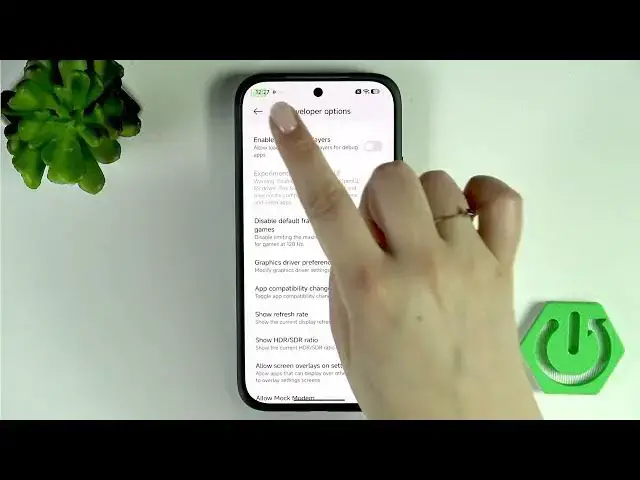

XIAOMI 17T – How to Enable Developer Options
Jun 15, 2026

Learn how to quickly enable and use Developer Options on your XIAOMI 17T. In this short, clear video you will see every step: open Settings, go to About phone, tap OS version (or Build number) repeatedly until Developer Options is unlocked, confirm your screen lock if prompted, then open Additional settings to access and toggle developer features. You will also learn how to change options, use switches and submenu selections (for example Bluetooth audio sample rate), how to turn Developer Options off again, and how to re-enable them later. This guide is ideal for beginners and non-native English speakers who want a simple, step-by-step walkthrough for XIAOMI 17T developer mode and Android developer settings.
Find out more:
https://www.hardreset.info/devices/xiaomi/xiaomi-17t/developer-options/
Follow us on Instagram ► https://www.instagram.com/hardreset.info
Like us on Facebook ► https://www.facebook.com/hardresetinfo/
Tweet us on Twitter ► https://twitter.com/HardResetI
Support us on TikTok ► https://www.tiktok.com/@hardreset.info
Use Reset Guides for many popular Apps ► https://www.hardreset.info/apps/apps/
Show More Show Less #Science