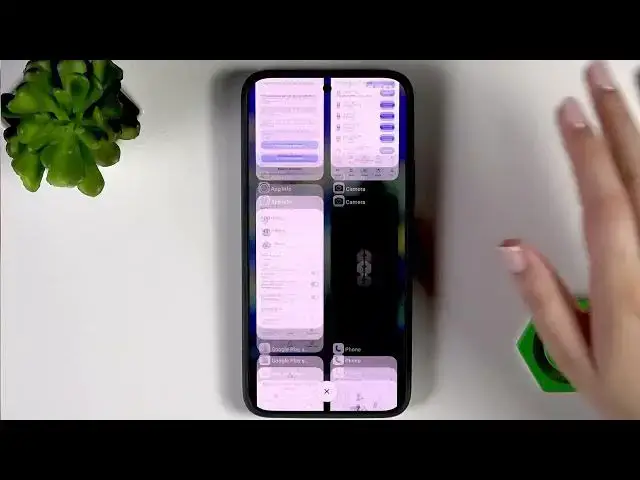

XIAOMI 17T Pro – How to Turn Off Running Apps
Jun 15, 2026

In this short video you’ll learn how to turn off running apps on the XIAOMI 17T Pro. I show how to open the Recents screen, whether you use three-button navigation or gestures, and how to close apps one by one or clear them all at once. These simple steps free memory, reduce background activity, and can help improve battery life and performance on your XIAOMI 17T Pro. Follow along and try the method that matches your phone’s navigation settings.
Find out more:
https://www.hardreset.info/devices/xiaomi/xiaomi-17t-pro/turn-running-apps/
Follow us on Instagram ► https://www.instagram.com/hardreset.info
Like us on Facebook ► https://www.facebook.com/hardresetinfo/
Tweet us on Twitter ► https://twitter.com/HardResetI
Support us on TikTok ► https://www.tiktok.com/@hardreset.info
Use Reset Guides for many popular Apps ► https://www.hardreset.info/apps/apps/
Show More Show Less #Science