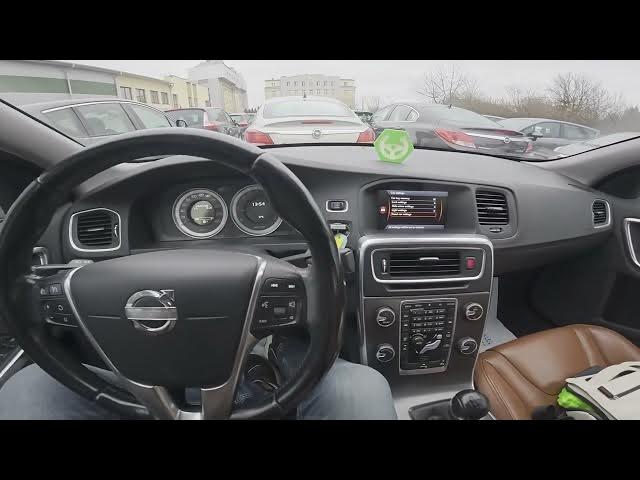

Volvo S60 II (2010-2019) – How to Restore Factory Settings
Jan 6, 2026

This video shows how to restore vehicle factory settings on a Volvo S60 II (2010-2019). You'll learn how to open the center display, navigate to My Car → Settings, enter Car settings and choose Reset car settings, then confirm with OK. Follow these simple on-screen steps to clear personalized settings, restore defaults and resolve menu or behavior issues on your Volvo S60 II. This method resets car settings only — it does not remove user accounts or perform mechanical diagnostics.
How to restore factory settings on Volvo S60 II (2010-2019)?
How to reset car settings on Volvo S60 II?
Where is Reset Car Settings in Volvo S60 (2010 - 2019)?
0:00 Introduction
0:06 Open the center display and go to "My Car" → "Settings"
0:12 Select "Car settings" and choose "Reset car settings"
0:18 Confirm the reset by pressing "OK"
0:24 Wrap up — like, comment and subscribe
#VolvoS60 #FactoryReset #CarSettings #Volvo
Find out more:
https://www.hardreset.info/devices/volvo/volvo-s60-ii-2010-2019/how-to-restore-vehicle-factory-settings/
Follow us on Instagram ► https://www.instagram.com/hardreset.info
Like us on Facebook ► https://www.facebook.com/hardresetinfo/
Tweet us on Twitter ► https://twitter.com/HardResetI
Show More Show Less