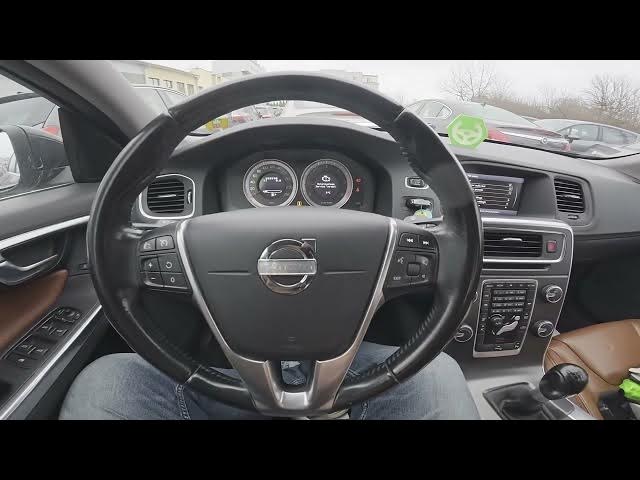

How to Enable or Disable Radio Text on Volvo S60 II (2010-2019)
Jan 6, 2026

In this short video I show how to enable or disable Radio Text (RDS) on a Volvo S60 II (2010-2019). Follow the exact steps shown on the center display to turn station/song text on or off. This works with the factory radio and is useful if you want to see RDS info on the screen or hide it for a cleaner display. The steps are simple: open the Radio menu, press OK, choose Radio Text and toggle the setting. Perfect for Volvo S60 owners looking for an easy setting tweak.
How to enable radio text on Volvo S60 II (2010-2019)?
How to disable radio text on Volvo S60 II (2010-2019)?
Where is the Radio Text setting in Volvo S60 II menu?
0:00 Introduction
0:06 Open Radio menu and press OK
0:16 Select "Radio Text"
0:21 Toggle Radio Text on or off
0:30 Outro - like, comment, subscribe
#VolvoS60 #CarAudio #RadioText #RDS
Find out more:
https://www.hardreset.info/devices/volvo/volvo-s60-ii-2010-2019/how-to-enable-or-disable-radio-text/
Follow us on Instagram ► https://www.instagram.com/hardreset.info
Like us on Facebook ► https://www.facebook.com/hardresetinfo/
Tweet us on Twitter ► https://twitter.com/HardResetI
Show More Show Less