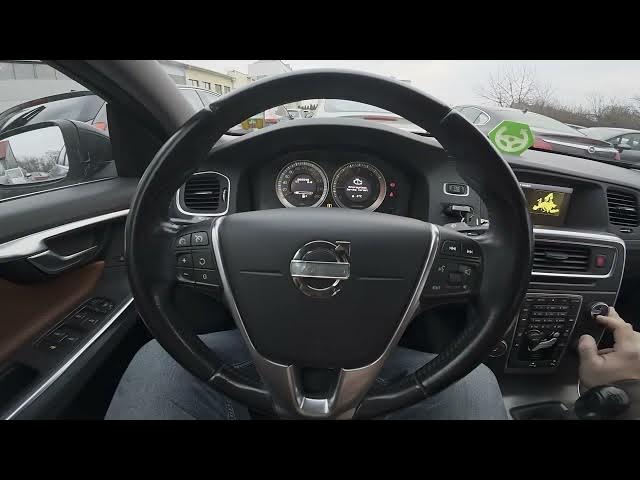

Volvo S60 II (2010-2019) – How to Find Map & Software Version
Jan 6, 2026

In this short video I show how to find the Map and Software Version on a Volvo S60 II (2010 - 2019). Using the center display you will open My Car → Settings → Information → Map and Software Version to view both the navigation map version and the car software version. This step-by-step check works on S60 II models and similar Volvo cars with the Sensus/navigation system. Follow the on-screen menu to confirm your map release and firmware before updating.
How to find Map and Software Version on Volvo S60 II (2010 - 2019)?
How to check software version on Volvo S60 2010-2019?
Where is Map Version in Volvo S60 (Sensus) navigation?
0:00 Intro
0:03 View center display and open "My Car"
0:08 Enter "Settings" and scroll down
0:15 Select "Information"
0:20 Tap "Map and Software Version"
0:24 Read your Map and Software Version on screen
0:30 Outro — like, comment, subscribe
#VolvoS60 #VolvoS60II #VolvoNavigation #MapVersion
Find out more:
https://www.hardreset.info/devices/volvo/volvo-s60-ii-2010-2019/
Follow us on Instagram ► https://www.instagram.com/hardreset.info
Show More Show Less