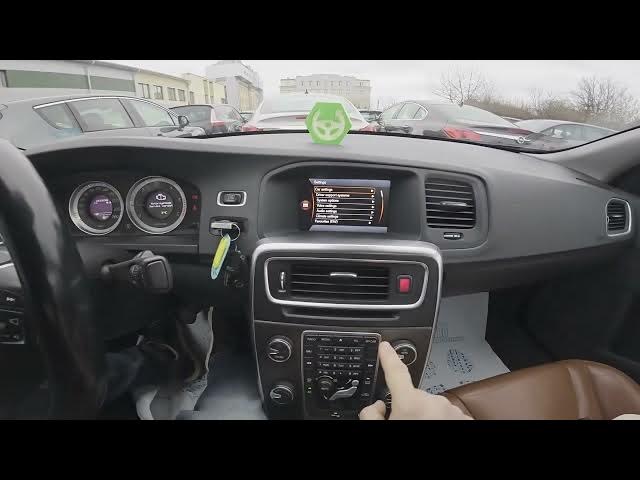

Volvo S60 II (2010-2019) How to Enable Unlock Confirmation Light
Jan 6, 2026

In this short video I show how to enable the Unlock Confirmation Light on a Volvo S60 II (2010-2019). You’ll learn where to find the setting in the car display and how to toggle it on or off. The step-by-step walkthrough covers My Car → Settings → Car Settings → Light Settings so you can quickly enable the "Unlock Confirmation Light" for visual confirmation when unlocking. This guide is made for Volvo S60 second-generation owners (2010–2019) and works the same on most model years in that range. Follow along and change the setting in seconds.
How to enable Unlock Confirmation Light on Volvo S60 II (2010-2019)?
How to find Unlock Confirmation Light in Volvo S60 II settings?
How to disable Unlock Confirmation Light on Volvo S60 II (2010-2019)?
0:00 Intro — what we will change
0:07 Open the display: My Car → Settings
0:15 Enter Car Settings → Light Settings
0:23 Find and toggle "Unlock Confirmation Light"
0:28 Outro — like, comment and subscribe
#Volvo #VolvoS60 #UnlockConfirmationLight #CarSettings
Find out more:
https://www.hardreset.info/devices/volvo/volvo-s60-ii-2010-2019/
Follow us on Instagram ► https://www.instagram.com/hardreset.info
Like us on Facebook ► https://www.facebook.com/hardresetinfo/
Tweet us on Twitter ► https://twitter.com/HardResetI
Show More Show Less