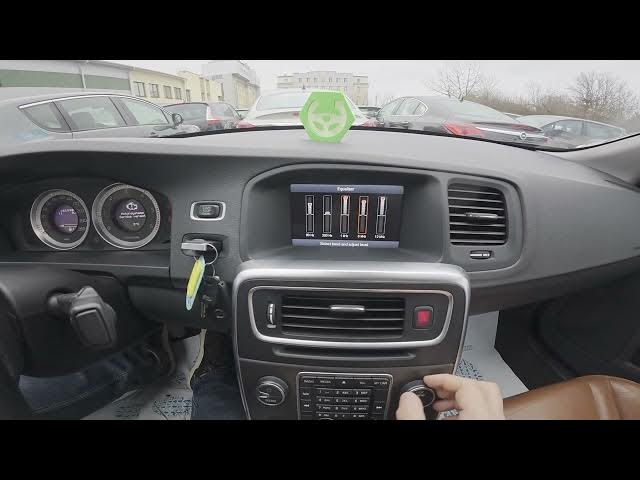

Volvo S60 II (2010-2019) – How to Enter & Manage Equalizer
Jan 6, 2026

In this video I show how to enter and manage the equalizer on a Volvo S60 II (2010-2019). You will see how to navigate the screen display, open the Radio menu, go to Audio Settings and select Equalizer so you can adjust band levels for better sound. This quick walkthrough helps you change bass, mid and treble levels and improve in-car audio without extra tools.
How to enter the equalizer on Volvo S60 II (2010 - 2019)?
How to manage equalizer settings on Volvo S60 II (2010 - 2019)?
Where is the equalizer in Volvo S60 II (2010 - 2019) audio settings?
0:00 Intro – Volvo S60 II equalizer overview
0:05 Check the screen display
0:16 Open Radio → Menu
0:20 Enter Audio Settings
0:24 Select Equalizer
0:30 Adjust band levels (bass, mid, treble)
0:38 Wrap up & subscribe
#VolvoS60 #CarAudio #Equalizer #VolvoS60II
Find out more:
https://www.hardreset.info/devices/volvo/volvo-s60-ii-2010-2019/how-to-enter-and-manage-equalizer/
Follow us on Instagram ► https://www.instagram.com/hardreset.info
Show More Show Less