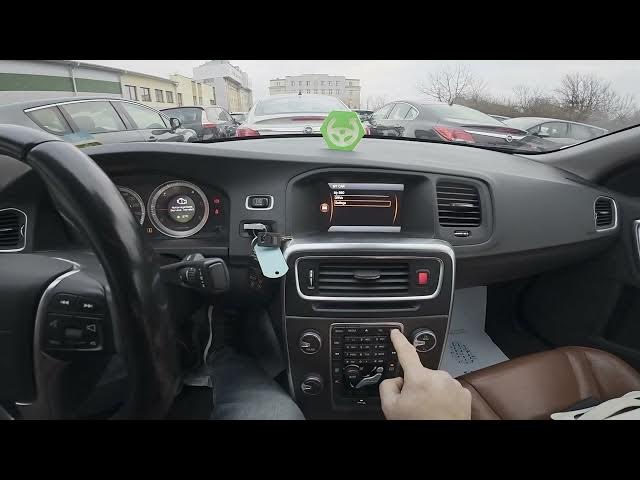

Volvo S60 II (2010-2019) - How to Check VIN on Screen Display
Jan 6, 2026

In this short video we show how to find and view the VIN (Vehicle Identification Number) directly on the center screen of a Volvo S60 II (2010-2019). You will learn the exact menu path to display the VIN without tools: open the main display, go to My Car → Settings, scroll to Information and select Enter VIN to see your car’s VIN on screen. This method works on S60 II models with the factory center display and is useful when you need the VIN for registration, service, or verification.
How to check VIN on Volvo S60 II (2010 - 2019)?
How to find VIN on screen display Volvo S60 II (2010-2019)?
Where is the VIN number in Volvo S60 II My Car settings?
0:00 Intro - What we will show
0:06 Check the display and open My Car → Settings
0:17 Scroll down to Information and select Enter VIN
0:29 VIN appears on the screen
0:32 Outro - Like, comment, subscribe
#VolvoS60 #VIN #VINCheck #CarTips
Find out more:
https://www.hardreset.info/devices/volvo/volvo-s60-ii-2010-2019/how-to-check-vin-on-screen-display/
Follow us on Instagram ► https://www.instagram.com/hardreset.info
Like us on Facebook ► https://www.facebook.com/hardresetinfo/
Tweet us on Twitter ► https://twitter.com/HardResetI
Show More Show Less