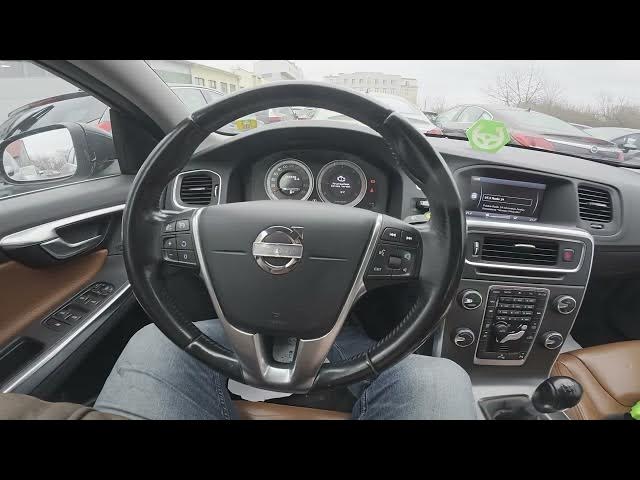

Volvo S60 II (2010-2019) – How to Reset Audio Settings to Defaults
Jan 6, 2026

This short video shows how to restore the audio settings on a Volvo S60 II (2010 - 2019) back to factory defaults using the car's center display. You will see where to open the menu, how to find Audio Settings, select "Reset all audio settings" and confirm to return equalizer, balance, fader and other sound options to their original defaults. This is a quick and simple method for Volvo S60 owners who want to fix sound issues or start fresh with the factory audio setup.
How to reset audio settings on Volvo S60 II (2010 - 2019)?
How to restore default audio settings on Volvo S60 (2010-2019)?
Where is the Reset all audio settings option in Volvo S60 II infotainment?
0:00 Introduction
0:03 Check the center screen display
0:09 Open Menu and go to Audio Settings
0:15 Select "Reset all audio settings"
0:22 Confirm reset to apply defaults
0:29 Outro — like, comment and subscribe
#VolvoS60 #CarAudio #ResetAudio #Volvo
Find out more:
https://www.hardreset.info/devices/volvo/volvo-s60-ii-2010-2019/how-to-reset-audio-settings-to-defaults/
Follow us on Instagram ► https://www.instagram.com/hardreset.info
Like us on Facebook ► https://www.facebook.com/hardresetinfo/
Show More Show Less