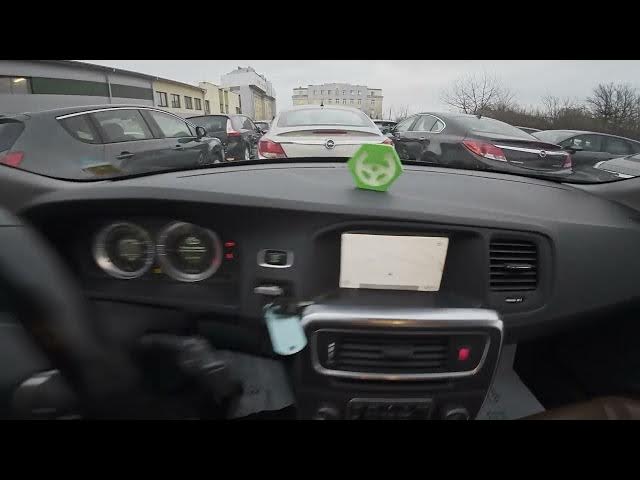

Volvo S60 II (2010-2019) – How to Check GPS Info
Jan 6, 2026

In this short video I show how to check GPS information on a Volvo S60 II (2010-2019). You will see where to open the navigation menu, how to enter the GPS Info screen, and what each field means — number of received satellites, altitude, received position and map-matched position. This is useful for checking GPS fix, signal quality, and troubleshooting navigation issues on your Volvo S60 II.
How to check GPS info on Volvo S60 II (2010-2019)?
How to see number of received satellites on Volvo S60 II?
How to view map matched position on Volvo S60 II navigation?
0:00 Intro – What we will check
0:07 Open Navigation and go to Menu
0:25 Enter GPS Info in Settings
0:31 Read number of satellites, altitude, received position and map-matched position
0:38 Wrap up – Like, comment, subscribe
#VolvoS60 #VolvoS60II #GPSInfo #CarNavigation
Find out more:
https://www.hardreset.info/devices/volvo/volvo-s60-ii-2010-2019/how-to-check-gps-info/
Follow us on Instagram ► https://www.instagram.com/hardreset.info
Like us on Facebook ► https://www.facebook.com/hardresetinfo/
Tweet us on Twitter ► https://twitter.com/HardResetI
Show More Show Less