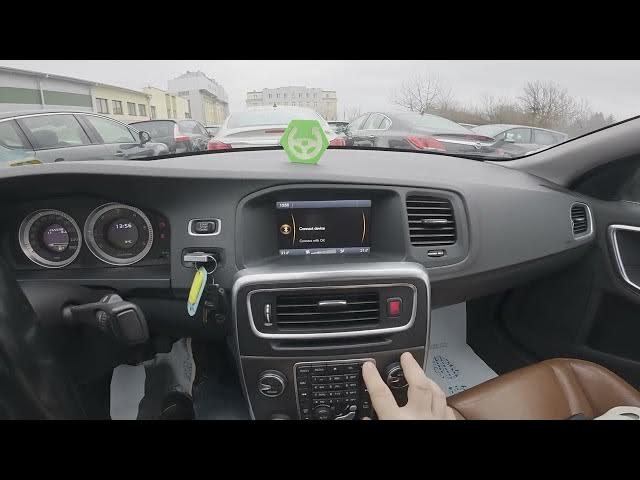

Volvo S60 II (2010-2019) – How to Change System Language
Jan 6, 2026

In this short video I show how to change the system language on a Volvo S60 II (2010-2019) using the center display menus. You will learn where to open the My Car menu, how to enter Settings, and how to find System options → Language to select a new language from the list. These steps apply to S60 models with the Sensus/center display and are useful if you bought a used car, switched regions, or simply want to change the display language quickly and safely.
How to change system language on Volvo S60 II (2010 - 2019)?
How to find Language setting in Volvo S60 II My Car Settings?
How to switch display language on Volvo S60 II center display?
0:00 Intro
0:05 Open My Car and go to Settings
0:17 Enter System options and select Language
0:29 Choose a new language from the list
0:33 Outro and subscribe
#VolvoS60 #VolvoS60II #CarSettings #ChangeLanguage
Find out more:
https://www.hardreset.info/devices/volvo/volvo-s60-ii-2010-2019/how-to-change-system-language/
Follow us on Instagram ► https://www.instagram.com/hardreset.info
Like us on Facebook ► https://www.facebook.com/hardresetinfo/
Tweet us on Twitter ► https://twitter.com/HardResetI
Show More Show Less