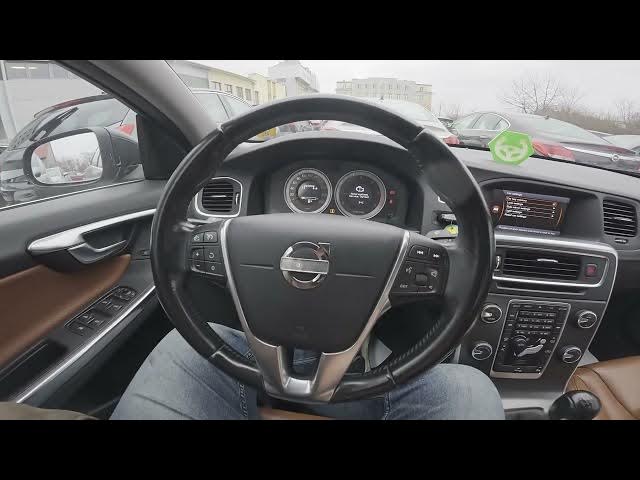

Volvo S60 II (2010-2019) – How to Enable Car Key Memory
Jan 6, 2026

In this short video I show how to enable the car key memory on a Volvo S60 II (2010-2019). Using the center display I demonstrate the exact steps: open Settings, go to Car settings (My Car) and press OK to enable the key memory. Once turned on, the key will store driver seat position and door/mirror positions so the car automatically recalls them when you use that key. This is handy for shared cars or when you have multiple keys and want each key to remember its own settings.
How to enable car key memory on Volvo S60 II (2010-2019)?
Where is the car key memory setting in Volvo S60 II?
Does Volvo S60 II save driver seat and door positions to the car key?
0:00 Intro – Volvo S60 II and feature overview
0:06 Check the center display and enter Settings
0:18 Open Car settings / My Car
0:23 Press OK to enable Car Key Memory
0:30 What the key memory saves and video outro
#Volvo #VolvoS60 #CarKeyMemory #CarSettings
Find out more:
https://www.hardreset.info/devices/volvo/volvo-s60-ii-2010-2019/how-to-enable-car-key-memory/
Follow us on Instagram ► https://www.instagram.com/hardreset.info
Like us on Facebook ► https://www.facebook.com/hardresetinfo/
Tweet us on Twitter ► https://twitter.com/HardResetI
Show More Show Less