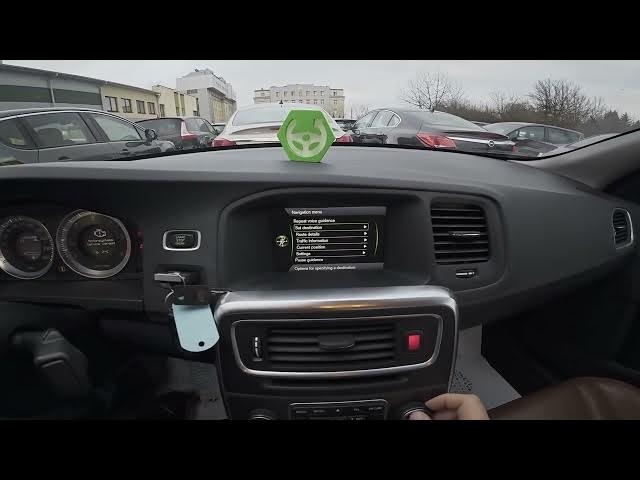

Volvo S60 II (2010-2019) – How to Store Navigation Locations
Jan 6, 2026

In this short video I show how to store a location in the Volvo S60 II (2010-2019) built-in navigation system. You will learn how to open Navigation, go to the menu, set a destination, add it to the itinerary and save it to your stored locations. This step-by-step clip is ideal if you want quick, repeatable instructions to save favorite addresses or points of interest on your Volvo S60 II GPS.
How to store navigation locations on Volvo S60 II (2010-2019)?
How to save a destination in Volvo S60 II (2010-2019) navigation system?
How to add a stored location to itinerary on Volvo S60 II (2010-2019)?
0:00 Guidance and intro
0:04 What we will do – store a location
0:09 Open Navigation and go to Menu
0:24 Select Set Destination and check Destinations on Itinerary
0:32 Tap Store to save the location
0:44 Choose storage type and confirm OK
0:53 Location saved successfully
#Volvo #VolvoS60 #CarNavigation #NavigationTips
Find out more:
https://www.hardreset.info/devices/volvo/volvo-s60-ii-2010-2019/how-to-store-navigation-locations/
Follow us on Instagram ► https://www.instagram.com/hardreset.info
Show More Show Less #Motor Vehicles (By Type)
#Volvo