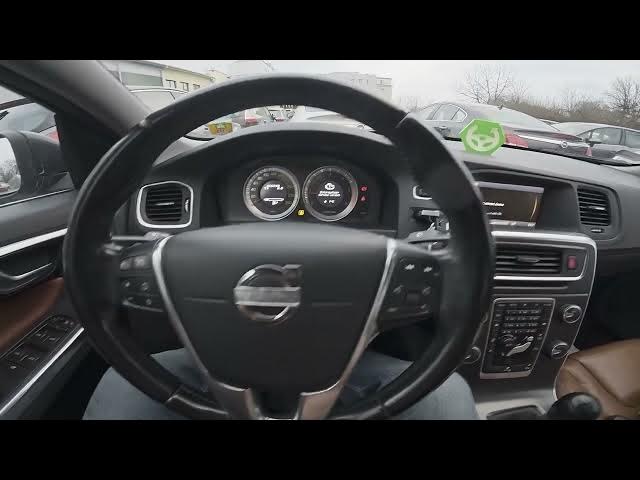

Volvo S60 II (2010-2019) - How to Enable Recirculation Timer
Jan 6, 2026

In this short video we show how to enable the air recirculation timer on a Volvo S60 II (2010-2019). You will learn how to navigate the center display and find the setting step-by-step: open My Car, go to Settings, enter Climate settings, select Recirculation timer and press OK to enable or disable it. This feature keeps cabin air recirculated for a set time—useful in traffic, tunnels, or to reduce outside odors. The instructions are simple, clear, and perfect for Volvo S60 owners who want to control their climate settings quickly.
How to enable recirculation timer on Volvo S60 II (2010-2019)?
How to find the recirculation timer in Volvo S60 climate settings?
How to disable recirculation timer on Volvo S60 II (2010-2019)?
0:00 Intro - Volvo S60 II recirculation timer overview
0:06 Check the center display and main menu
0:13 Open My Car and go to Settings
0:17 Enter Climate settings
0:20 Select Recirculation timer
0:25 Press OK to enable or disable the timer
0:28 Outro - like, comment and subscribe for more Volvo tips
#VolvoS60 #RecirculationTimer #CarAC #VolvoTips
Find out more:
https://www.hardreset.info/devices/volvo/volvo-s60-ii-2010-2019/how-to-enable-recirculation-timer/
Follow us on Instagram ► https://www.instagram.com/hardreset.info
Show More Show Less