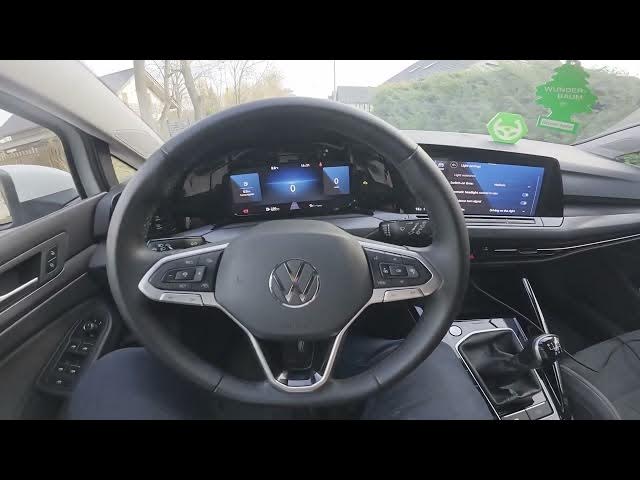

Volkswagen Golf VIII – How to Change Left/Right Hand Traffic Mode
Jan 15, 2026

In this short video we show how to change the left/right hand traffic mode (Travel mode) on the Volkswagen Golf VIII (2019 - now). This setting changes the headlight beam pattern and travel behavior when you move between countries that drive on the left or right side. Follow the on-screen display steps to update the setting quickly: open the Vehicle menu, go to Exterior → Vehicle → Headlights, then select Travel mode and choose Right-hand traffic or Left-hand traffic. This is useful after relocation, importing a car, or when driving abroad.
How to change left/right hand traffic mode on Volkswagen Golf VIII (2019 - now)?
How to switch Travel mode in Volkswagen Golf VIII headlights?
Where is Travel mode in the Volkswagen Golf VIII menu?
0:00 Intro – what we will change
0:03 Check the instrument display and menus
0:06 Open Vehicle menu on the display
0:10 Enter Exterior → Vehicle → Headlights
0:14 Select Travel mode and pick Right-hand or Left-hand traffic
0:23 Finish – confirm change and subscribe for more tips
#Volkswagen #GolfVIII #Headlights #TravelMode
Find out more:
https://www.hardreset.info/devices/volkswagen/volkswagen-golf-viii-2019-now/how-to-change-left-right-hand-traffic-mode/
Follow us on Instagram ► https://www.instagram.com/hardreset.info
Like us on Facebook ► https://www.facebook.com/hardresetinfo/
Show More Show Less