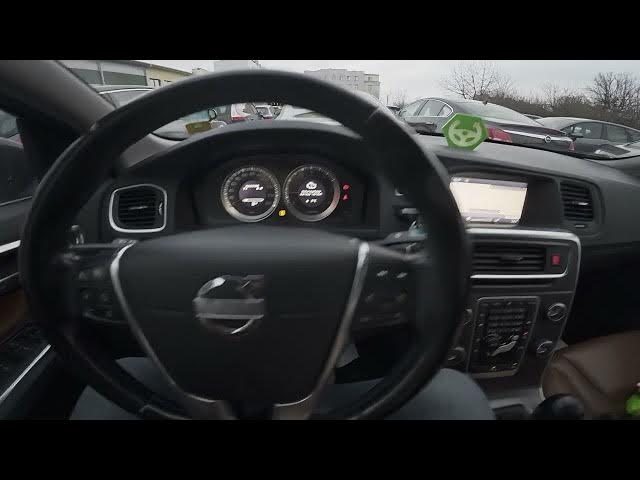

Volvo S60 II (2010-2019) - How to Enter & Manage Traffic Info
Jan 6, 2026

Learn how to enter and manage traffic information on your Volvo S60 II (2010-2019) using the car's built-in navigation screen. In this short video you will see the exact steps to find traffic info: open the display, go to Navigation and then Venue, select Traffic Information and read traffic messages. These steps help you stay updated about jams, delays and route warnings while driving and are aimed at Volvo S60 II owners who need a quick, clear walkthrough.
How to enter traffic info on Volvo S60 II (2010-2019)?
How to read traffic messages on Volvo S60 II (2010-2019)?
How to find Traffic Information in Volvo S60 II navigation?
0:00 Introduction - overview of the Volvo S60 II
0:07 Open the display and go to Navigation → Venue
0:20 Find Traffic Information and read traffic messages
0:29 Outro - like, comment and subscribe
#VolvoS60 #Volvo #TrafficInfo #CarNavigation
Find out more:
https://www.hardreset.info/devices/volvo/volvo-s60-ii-2010-2019/how-to-enter-and-mange-traffic-info/
Follow us on Instagram ► https://www.instagram.com/hardreset.info
Like us on Facebook ► https://www.facebook.com/hardresetinfo/
Tweet us on Twitter ► https://twitter.com/HardResetI
Support us on TikTok ► https://www.tiktok.com/@hardreset.info
Show More Show Less